Build work people pay for.
Start with a $10K website pitch or a $10K Shorts offer. Every playbook ends with a live result, proof to show, and a bounded offer you can take to a real buyer.
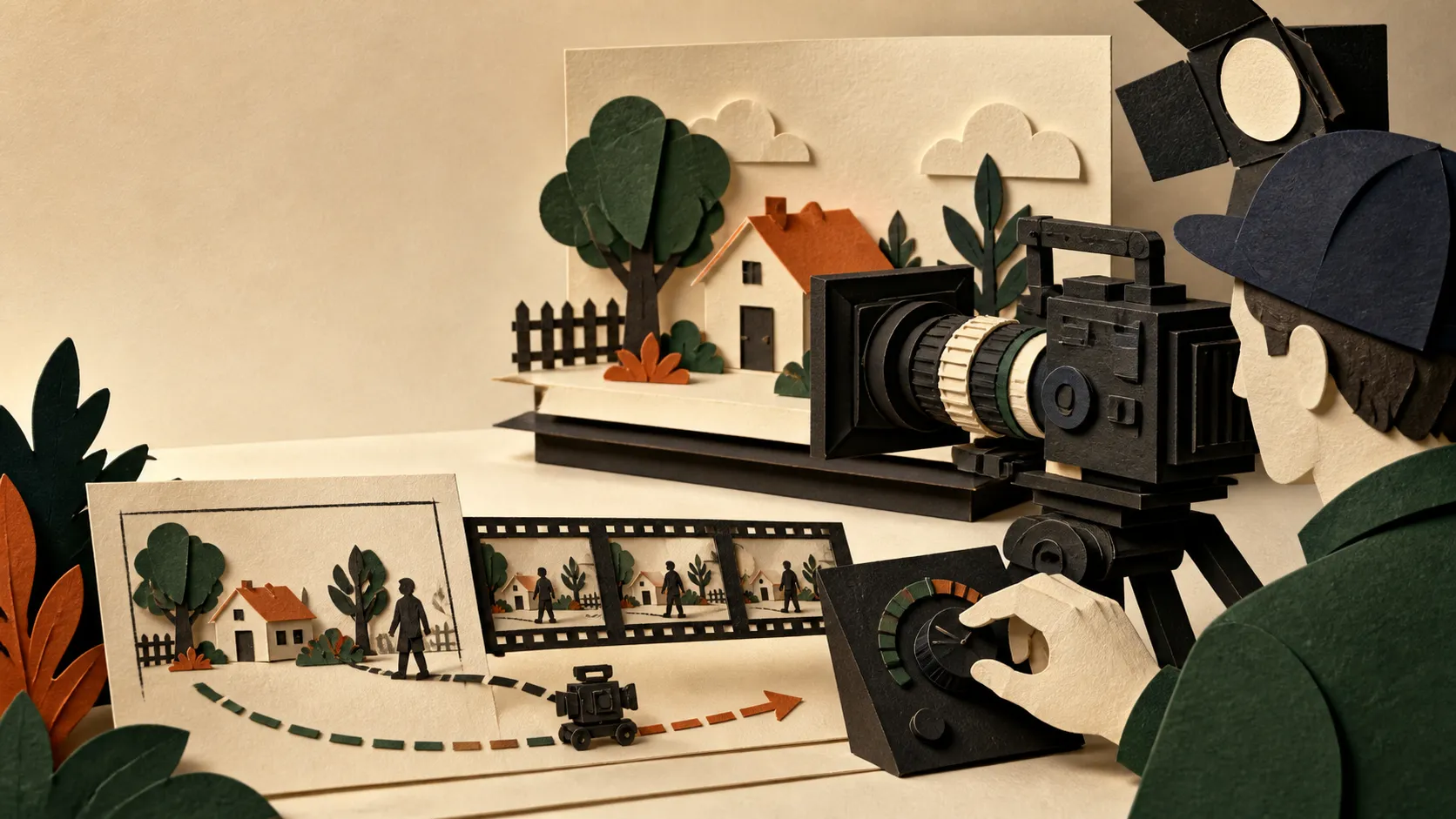
A controllable clip starts with a shot, not a movie.
Higgsfield brings multiple video models and camera controls into one creative workspace. Its Cinema Studio tools can expose camera, lens, lighting, reference-frame, and motion choices, but the controls available depend on the model you select. Treat each generation as a single shot with one job. That makes the output easier to direct and cheaper to review.
Pick a result. Save the build. Ship the proof.
No vague “learn AI video” track. Choose a result young creators can explain in one sentence, then follow the exact build, proof, and offer.
0 playbooks saved on this device.
114 minutes total · free · targets are example package math, not income promises.
- Website offer14 min
$10K site
Build a $10,000 Website Pitch with Higgsfield MCP
Leave with a live website concept and a scoped $10K proposal—not another portfolio mockup with no buyer.
- Build
- Live proof page + scoped proposal
- Proof
- Real creator example included
- Shorts business15 min
$10K / mo
Build a $10K Shorts Offer with Higgsfield
Turn three proof-of-format Shorts into a $10K/month package target: four clients at $2.5K, with scope and costs visible.
- Build
- 3 pilot Shorts + monthly offer
- Proof
- 4 clients × $2.5K package math
- E-commerce14 min
3 ad hooks
Turn One Product Page into an E-commerce Ad Pack
Produce a small ad-testing pack that gives a store three distinct hooks instead of three cosmetic prompt variations.
- Build
- One product page into a test pack
- Proof
- Three genuinely different concepts
- UGC service15 min
4-video pack
Build a Repeatable UGC Client Package
Package UGC-style production as a transparent creative service without fake testimonials or stolen likenesses.
- Build
- Consent-safe UGC client system
- Proof
- Tutorial, review, unboxing, problem/solution
- Local business13 min
8 clips / mo
Sell a Monthly Social Video Pack to Local Businesses
Create a manageable monthly offer grounded in the real location, product, and promotion—not invented customer footage.
- Build
- A monthly Reels + Shorts offer
- Proof
- Offer, atmosphere, service, and FAQ formats
- Launch campaign14 min
6-shot kit
Produce Music, Fashion, and Launch Visuals
Build a six-shot visual treatment that sells a specific world, not a pile of unrelated “cinematic” clips.
- Build
- Teaser, loops, stills, treatment
- Proof
- One visual world across every asset
- Pre-production13 min
$2K board
Sell a $2K Storyboard Before Anyone Shoots
Package eight frames and three motion tests as a $2K decision sprint that can save a team from an expensive wrong shoot.
- Build
- 8 frames + 3 motion tests
- Proof
- Client decisions locked before production
- Business system16 min
1 paid pilot
Turn Higgsfield Skills into a Profitable Video Service
Leave with a one-page offer and a paid-pilot workflow—not a vague plan to “start an AI agency.”
- Build
- Offer, quote, cost sheet, outreach
- Proof
- A bounded service buyers can say yes to
No saved playbooks yet. Save one build, then use this filter as your shortlist.
Write a shot card that gives the tool a real decision to make.
One beat
Name the visible action, who or what carries it, and the final frame. A complete scene is too much to solve in one generation.
One camera intention
Choose the move that changes the feeling of the beat: a slow push for attention, a lateral move for discovery, or a locked frame for stillness.
One review test
Decide what must survive the generation: the subject, the composition, the motion, or the continuity. Reject the take that misses it.
Make the first generation answer a narrow question.
- 01
Block the scene in one sentence
Describe the subject, action, place, and final composition. Keep the action observable: “the bottle rotates toward camera” is testable; “make it feel premium” is not.
- 02
Choose the model for the control you need
Higgsfield’s video controls change by model. Check the current model row for the duration, resolution, frames, sound, and creative controls you actually need before you write around a setting that is unavailable.
- 03
Set the camera as a direction, not decoration
Pick one primary move and a framing decision. Higgsfield offers a large camera-control library, including pushes, crane moves, pans, orbit-like moves, and static framing. Start with one move that supports the action.
- 04
Anchor the look with a reference frame
When the selected model supports start or end frames, use them to constrain the opening image or transition. Treat an image reference as a visual contract, then check whether the result actually kept the composition and subject.
- 05
Review the short take before you spend more
Check the subject, camera path, motion continuity, and ending frame. Only then extend duration, increase resolution, or make the next shot. A longer imperfect clip is not a stronger edit.
Make the creative decision visible.
Subject: a citrus soda bottle on a rain-wet Hong Kong street at blue hour.
Action: the bottle turns a quarter turn toward camera; water slides down the label.
Camera: one slow dolly-in from waist height, ending on the label.
Look: 50mm product-cinema framing, controlled reflections, cool street light.
Reference: preserve the bottle silhouette and label placement from the start frame.
Review: reject any take where the label warps, the bottle changes shape, or the move does not end on the label.
Generate the shot. Finish the edit elsewhere.
Higgsfield is strong at exploring and directing short visual moments. Keep a simple shot list, name your accepted takes, and move the chosen clips into your editor for timing, sound, captions, and the final cut. The generation is source material, not the finished film.