Decodo Web Scraping · Tutorial 04
Scrape dynamic pages with JavaScript and browser actions
Move from MCP to Decodo's direct API when a public page needs a controlled click, input, scroll, wait, or XHR capture before extraction.
0 of 11 complete
MCP handles many jobs. Move to the Web Scraping API when a public page must be rendered and interacted with before collection.
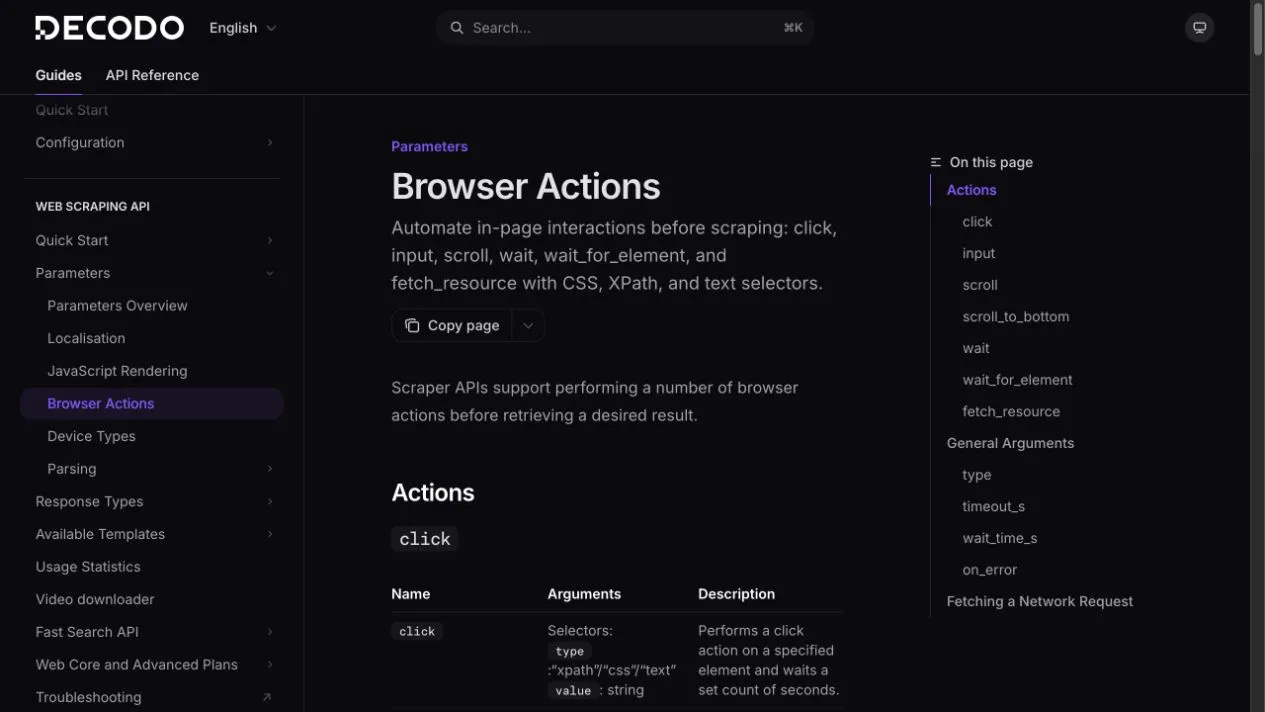
Decodo currently supports browser actions including click, input, scroll, scroll_to_bottom, wait, wait_for_element, and fetch_resource.
Step 1: prove the API token with a harmless request
Use Decodo’s real-time endpoint:
curl --request POST \
  --url 'https://scraper-api.decodo.com/v2/scrape' \
  --header 'Accept: application/json' \
  --header 'Authorization: Basic TOKEN_VALUE' \
  --header 'Content-Type: application/json' \
  --data '{
    "url": "https://ip.decodo.com"
  }'
Replace TOKEN_VALUE locally. Never commit the finished command to shell history, source files, or screenshots.
Step 2: render JavaScript only when needed
Start cheap and simple. If the required element is absent because the page loads it later, enable the documented headless/rendering option for that target. Rendering uses more browser resources and can change request cost.
Record why rendering is enabled. “It might help” is not a test.
Step 3: wait for a stable element
Example request body:
{
  "target": "universal",
  "url": "https://example.com/public-catalog",
  "browser_actions": [
    {
      "type": "wait_for_element",
      "selector": {
        "type": "css",
        "value": "[data-results-ready='true']"
      },
      "timeout_s": 8
    }
  ]
}
Prefer a stable ID or data-* attribute. Avoid selectors based on visual position such as “third button” or long generated class strings.
Step 4: add one interaction
{
  "target": "universal",
  "url": "https://example.com/public-catalog",
  "browser_actions": [
    {
      "type": "click",
      "selector": {
        "type": "text",
        "value": "Load more"
      },
      "on_error": "error"
    },
    {
      "type": "wait_for_element",
      "selector": {
        "type": "css",
        "value": "[data-page='2']"
      },
      "timeout_s": 8
    }
  ]
}
Use on_error: "error" when missing the action makes the result invalid. Use skip only when the action is optional and the output records that it did not run.
Step 5: prefer network data when it is the real source
If the page loads a public JSON resource, fetch_resource can collect the matching Fetch/XHR response directly. Decodo documents that fetch_resource must be used in a separate request and cannot be combined with other actions.
{
  "target": "universal",
  "url": "https://example.com/public-catalog",
  "browser_actions": [
    {
      "type": "fetch_resource",
      "filter": "/api/products",
      "on_error": "error"
    }
  ]
}
Verification checklist
- Did the request reach the expected public URL?
- Did the selector match one intended element?
- Did each state-changing action have a visible success condition?
- Did the result include the expected record count and fields?
- Did you cap timeout, retries, and total requests?
- Did you avoid logins, private data, and unintended form submission?