Product case study · November 5, 2026
Claude Code Rewind: Check Which Files Come Back
Practice a code-only rewind in Claude Code, compare file bytes, and check why a shell-created receipt remains after an edit is restored.
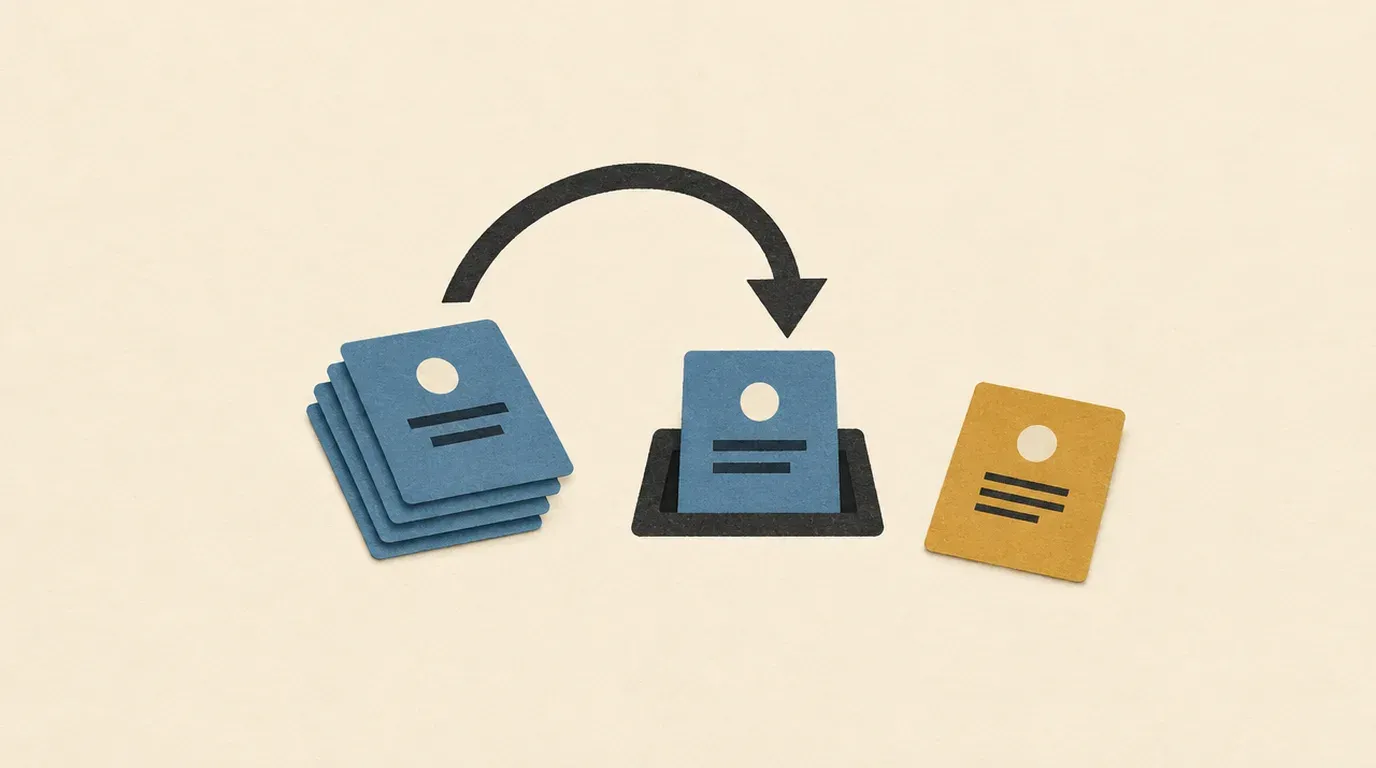
Verify recovery file by file before treating a rewind as a clean starting point.
A rewind can recover an unwanted edit while leaving a generated file in place. This lab gives you two small files to inspect: a release label edited by Claude and a receipt created only through the shell. The finish line is a byte comparison and a file inventory, rather than the agent saying it undid its work.
Sources checked November 5, 2026. This is an authored practice exercise based on official documentation. We checked the installed Claude Code version (2.1.304) and validated the local fixture and comparison commands. We did not run an authenticated model edit or interactive rewind. The outcomes below are expectations to test, not observed Claude results.
Prepare a release-label experiment
You need Bash, Python 3 and an installed, authenticated Claude Code CLI. Start with the first project-session lesson if you have not used it before. Use a disposable directory with fictional data; leave real repositories out of this exercise.
Run this in Bash and keep the terminal open:
rewind_lab=$(mktemp -d /tmp/claude-rewind-lab.XXXXXX)
mkdir -p "$rewind_lab/project" "$rewind_lab/evidence"
printf 'release_label=preview\n' > "$rewind_lab/project/release.txt"
cp "$rewind_lab/project/release.txt" "$rewind_lab/evidence/release.before.txt"
claude --version > "$rewind_lab/evidence/cli-version.txt"
printf 'Lab root: %s\n' "$rewind_lab"
cd "$rewind_lab/project"
claude
The CLI reference documents claude as the interactive entry point. Check the working directory shown at startup. Keep normal permission prompts enabled and approve only operations you recognize from this exercise. The baseline lives outside the project so it can serve as an independent comparison copy.
Make one identifiable edit
Send this as a fresh prompt while Claude is idle:
In release.txt, change release_label=preview to release_label=review.
Use your file editing tool for this change, not a shell command.
Do not edit any other file, delegate work, install anything, or access
external services. Report the path and the exact changed line, then stop.
Inspect the tool activity and resulting line. Continue only if Claude used its file editing tool and changed just release.txt. If it rewrote the file through a shell command, start a fresh lab: the intended tracking condition has not been established.
In the Claude input, use this shell-mode command:
! printf 'receipt=practice-only\n' > shell-receipt.txtAnthropic’s interactive-mode reference documents the ! prefix for running a Bash command directly. Here it creates one local marker. Do not ask Claude to create or edit that receipt through its file tools afterward.
Before rewinding, inspect both files with another shell-mode command:
! cat release.txt shell-receipt.txtExpect release_label=review and receipt=practice-only. If either differs, save the actual output and resolve the discrepancy before proceeding.
Select the recovery point deliberately
Run /rewind. Select the prompt that requested the release-label change, then choose Restore code. Anthropic’s checkpointing reference distinguishes this from restoring the conversation or restoring both. Code-only recovery keeps the conversation available.
The same reference says file-tool edits are tracked. A file changed only through Bash remains outside that tracking. Shell changes to a file Claude already edited can be undone too, so this exercise deliberately uses a separate receipt file.
If code restoration is absent, cancel and check whether the selected point has a tracked edit. Do not choose a conversation-only option as a substitute. After the restore finishes, exit Claude normally and return to the original Bash terminal.
Compare the restored bytes
Run these checks from that terminal:
cmp "$rewind_lab/evidence/release.before.txt" "$rewind_lab/project/release.txt"
printf 'Baseline comparison exit: %s\n' "$?"
python3 - "$rewind_lab/project" <<'PY'
from pathlib import Path
import sys

project = Path(sys.argv[1])
for name in ("release.txt", "shell-receipt.txt"):
    path = project / name
    print(f"{name}: {path.read_text()!r}" if path.exists() else f"{name}: MISSING")
print("Files:", sorted(p.name for p in project.iterdir()))
PY
Use this answer key, recording what actually happened:
| Evidence | Expected result for this fixture |
|---|---|
| Baseline comparison | Exit 0, meaning identical bytes. |
| Release label | release_label=preview followed by a newline. |
| Separate receipt | Still contains receipt=practice-only and a newline. |
| Project inventory | The two fixture files; investigate additional entries. |
A receipt that remains is evidence of the intended boundary, not a failed label recovery. A successful comparison proves only that one file matches your saved baseline. It says nothing about remote services or files elsewhere on the machine.
Save the version, chosen checkpoint, selected restore action and terminal output in the sibling evidence directory. Keep unexpected output too. It is more useful for diagnosis than a rewritten success summary.
Recover when the observations disagree
| Observation | Next step |
|---|---|
Label remains review | Check the selected prompt and whether the edit used a file tool. Preserve the current files before retrying. |
| Receipt disappears | Inspect the transcript for a file-tool write to the receipt or an explicit deletion. The intended shell-only condition may not hold. |
| Comparison reports a missing file | Check the printed lab path and shell variable; do not recreate a baseline from the changed file. |
| Restore reports skipped files | Record the warning and inspect file types. This fixture uses ordinary files, not links. |
Conversation still describes review | That is compatible with code-only recovery. Read the disk state before requesting more work. |
For a new attempt, rerun setup to create another unique directory. Keep the old one until you have compared the evidence. Avoid using a broad Git reset to make the practice output match the answer key.
Carry the habit into project work
Before a real change, record the files you expect the agent to touch and retain a suitable version-control baseline. After a recovery, inspect the diff and untracked-file list, then rerun the relevant project checks. Anthropic describes checkpoints as session recovery, with Git still needed for durable history.
If you instead want a separate review conversation, see the session-fork lab. Forking a conversation and checking restored file bytes answer different questions.
Official sources and checked date
All checked November 5, 2026:
- Checkpointing: restore choices, tracked-file boundaries and version-control limits.
- Interactive mode: direct shell commands and session controls.
- CLI reference: starting an interactive session.
Put this to work
Distinguish code recovery, conversation recovery and files outside checkpoint tracking.
Try
Change a fictional release label, create a shell receipt, then rewind the code.
Prove it worked
Confirm the label matches its baseline and record whether the separate receipt remains.
Keep in view
- Revert one agent edit while retaining the conversation.
- Compare restored bytes with an independent baseline.
- Check a shell-created file separately from the tracked edit.