Tencent WorkBuddy · Tutorial 10
WorkBuddy Skills, Plugins, and Custom Workflows
Understand Skills versus Plugins, inspect third-party capability and data access, and create one narrow reusable workflow from a successful task.

0 of 1 complete
Reference guide · Read when needed · View the route
Last checked and updated: September 3, 2026
WorkBuddy’s official interface includes more than 20 built-in skill packages and supports finding, importing, enabling, disabling, creating, and uninstalling skills. It also supports Plugins—larger bundles that can contain Skills, MCP connections, slash commands, Hooks, and Agents.
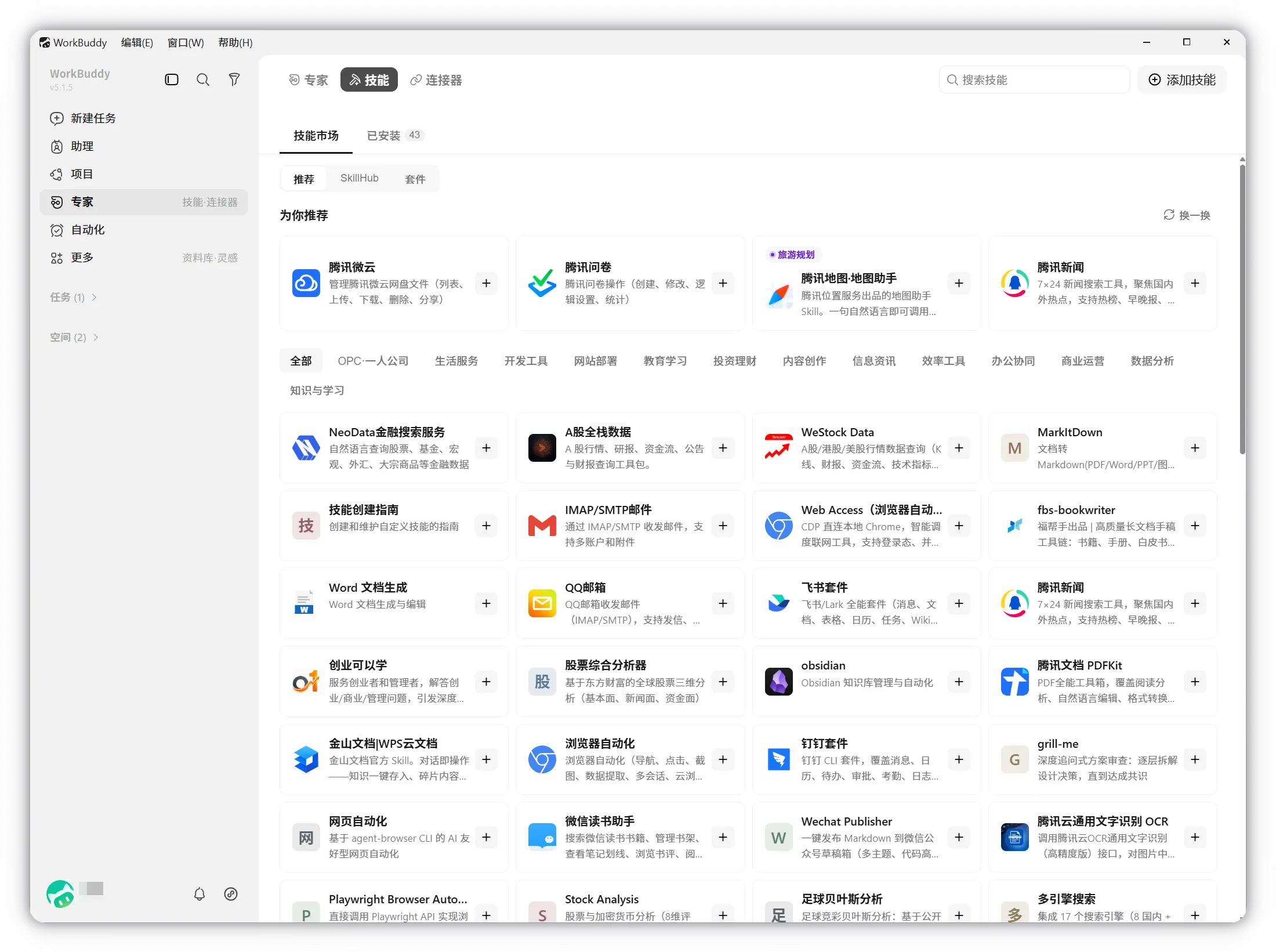
Skill, Plugin, Connector, or Expert?
| Need | Choose |
|---|---|
| Repeat a method or run a particular tool | Skill |
| Install a bundled set of skills, MCP, commands, hooks, or agents | Plugin |
| Authorise access to an external service or data source | Connector / MCP |
| Apply a professional role and method | Expert |
| Coordinate several specialist roles | Expert team |
A friendly name does not reveal the permission boundary. A “research” skill might only format a brief, or it might browse the web, run scripts, and upload data. Inspect the actual components.
Third-party skill preflight
Before installation, record:
Name and version:
Publisher and source URL:
Official/recommended/community:
Files it can read or write:
Commands or scripts it can run:
External domains/services:
Credentials required and storage method:
Actions that send, publish, purchase, or delete:
How to disable and uninstall:
Smallest safe test:
Official guidance warns that non-official skills may contain prompt injection, excessive access, or backdoors. Compatibility with OpenClaw community skills is not a security endorsement.
Install and test narrowly
- Prefer an official recommended skill.
- Enable only the skill required for the current task.
- Use a disposable workspace and sample input.
- Keep default permission mode.
- Observe which tools, paths, and services it calls.
- Confirm outputs and side effects.
- Disable it after the test if it is not needed continuously.
Do not test a meal-ordering, finance, mail, or publishing skill using a real transaction.
Create a custom skill from the batch workflow
WorkBuddy can create a skill from a natural-language description. Use the proven preview-first rename method from Lesson 5:
Create a custom skill named safe-batch-rename-preview.
Purpose: produce a rename preview and manifests for copied files.
Trigger: only when I explicitly ask for a batch rename preview.
Inputs: one selected workspace containing copied files.
Behaviour:
1. inventory without changes,
2. propose old-to-new mapping,
3. flag collisions and uncertain metadata,
4. wait for approval,
5. if approved, rename without overwrite,
6. write rename and rollback manifests,
7. reconcile counts.
Never delete, overwrite, infer missing identity/date, access outside the workspace,
or upload any file. Use default permissions.
Show me the generated skill contents and test plan before enabling it.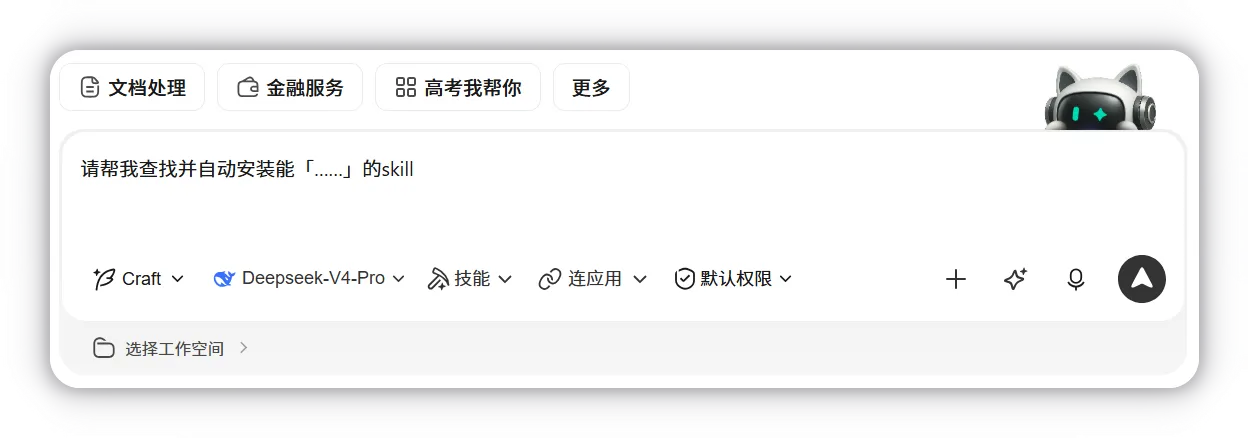
Test the trigger and non-trigger
Run two checks:
- Positive: “Preview a safe batch rename for this copied folder.” The skill should activate and stop at the preview.
- Negative: “Summarise this meeting transcript.” The rename skill should not activate.
Also test a collision, missing date, unsupported file, and cancel action. A happy path alone does not prove a reusable skill is safe.
Plugin-specific review
A Plugin can install multiple capability types at once. List every component before enabling it:
- Skill: procedure and scripts.
- MCP: external service access.
- Slash command: a user-triggered shortcut.
- Hook: an action that fires automatically at a lifecycle event.
- Agent: a dedicated AI role or worker.
Hooks deserve special attention because they run when an event occurs, not only when you remember to invoke them.
Success check
The custom skill passes when it activates only on the intended request, produces a complete preview, waits for approval, respects the workspace, handles failure cases, and can be disabled or removed cleanly.
FAQ
Are built-in skills automatically safe for sensitive data?
No. Official status reduces supply-chain uncertainty, but the task still determines what data the skill receives and which external services it may use.
Should I keep every useful skill enabled?
Official guidance recommends enabling only what the task needs. Fewer active tools reduce ambiguity and accidental invocation.
Does creating a skill make WorkBuddy learn from mistakes automatically?
No. You must update the procedure or regenerate the skill from specific, reviewed corrections and retest it.
Quick self-check
Q1. A plugin contains a useful Skill and an unexplained Hook. What should you do?
Answer: Do not enable it until the Hook’s trigger, actions, permissions, and rollback are understood—or choose a narrower Skill.
Official sources
What’s next
Connect one external service with least privilege in L11: Connectors, MCP, and the Tencent Ecosystem.