Tencent WorkBuddy · Tutorial 09
Local Apps, Git, and Parallel Work in WorkBuddy
Build a tiny local app in a disposable repository, inspect changed files and tests, and use isolated parallel tasks without merge surprises.
0 of 1 complete
Reference guide · Read when needed · View the route
Last checked and updated: September 3, 2026
WorkBuddy’s official practice guide shows creating a local application from a natural-language request. It also documents Git integration and parallel development. You do not need to be a programmer to try a small app, but you do need a rollback point, a list of changed files, and a functional test.
Create a disposable project
Use an empty folder named workbuddy-counter-practice. If Git is installed, initialise a repository and make an initial checkpoint containing only a short README. If Git is unfamiliar, duplicate the whole folder before each major step.
The first application should be local-only and contain no account, database, payment, analytics, or external API.
Prompt a tiny app
Use Plan mode:
Build a local single-page tally counter in this empty practice workspace.
Requirements:
- increment, decrement, and reset buttons,
- value saved only in this browser's local storage,
- keyboard controls documented on the page,
- clear focus states and mobile layout at 320px,
- no network requests, external packages, analytics, account, or cloud service.
Before editing, show the proposed file tree, run command, test plan, and every external dependency.
Reject unnecessary frameworks for a three-button page. A simpler file tree is easier to audit.
Execute and inspect
After approval:
- Watch command and permission requests.
- Open the generated page in WorkBuddy’s browser preview.
- Inspect the Changes view for every file.
- Ask for the exact local run command and stop command.
- Require a test report with what was actually run—not merely suggested tests.
Functional checks:
- Starts at zero on a fresh browser profile.
- Increment and decrement change by one.
- Reset requests confirmation or is easily reversible.
- Reload preserves the value.
- Keyboard controls work without blocking normal navigation.
- At 320px, no button is clipped or overlapped.
- Browser network panel shows no unexpected outbound request.
Use Git as an evidence trail
Ask WorkBuddy to summarise git status and the diff. Do not let it commit or push unless that action is part of your explicit request.
Do not change files. Show:
- current branch,
- changed and untracked paths,
- a plain-language diff summary,
- commands/tests already run with exit results,
- any generated or dependency folders that should not be committed.
Review the actual diff. Then make a local checkpoint if it passes.
Parallel work needs isolation
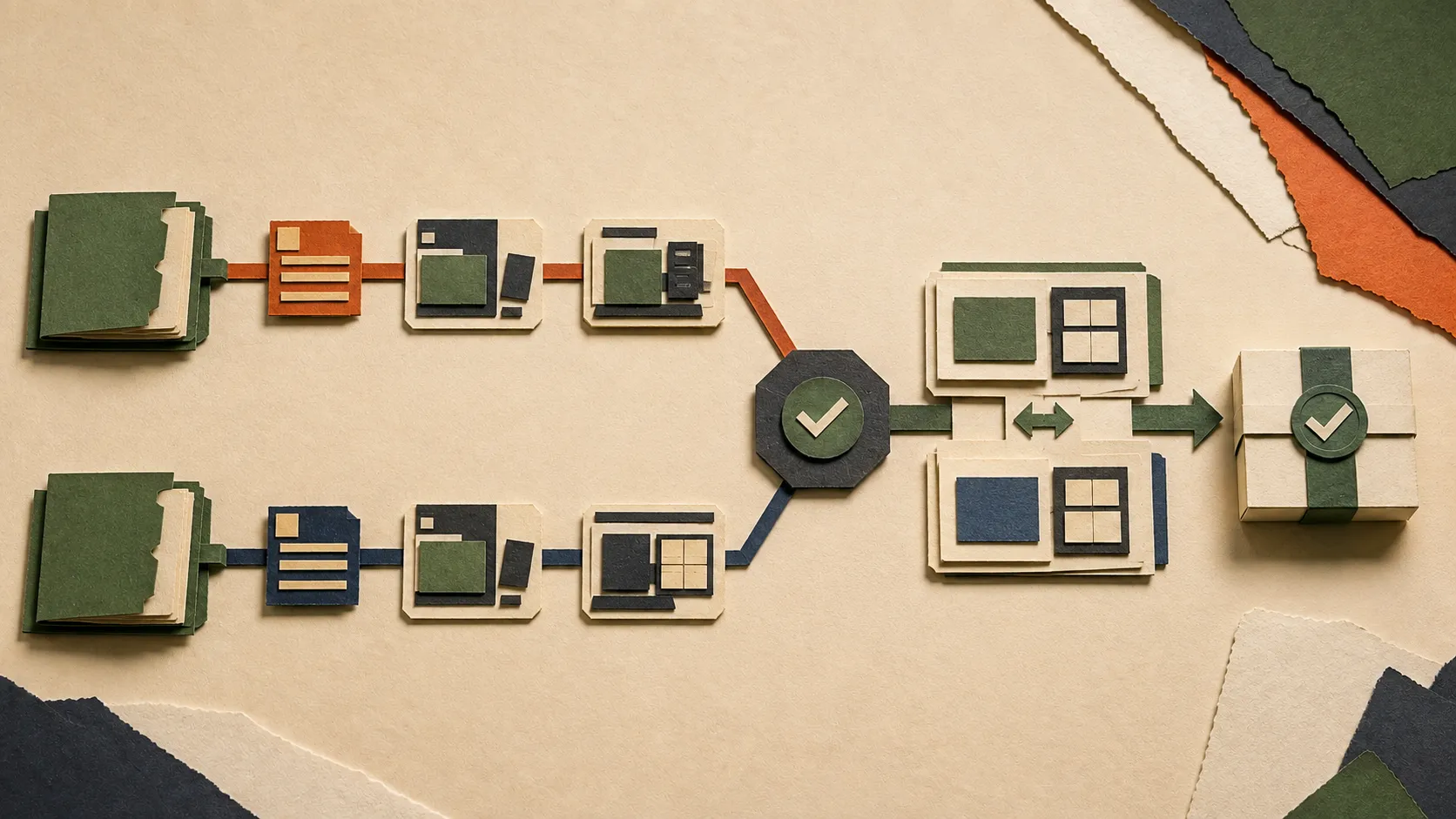
The official Worktree Task documentation describes isolated Git worktrees for parallel development. Use that only when tasks are genuinely independent and the repository is in a known state.
Safe split:
- Task A improves responsive CSS in one worktree.
- Task B adds a small unit test in another worktree.
Unsafe split:
- Both tasks rewrite the same component.
- One task changes a data format while the other assumes the old format.
- Both tasks deploy or edit the same external environment.
Parallel tasks speed up execution, not review. You still compare each branch, run combined tests, and resolve conflicts deliberately.
Recovery
If the preview stops working:
- Stop new edits.
- Capture the current changed-file list and error.
- Return to the last known checkpoint or copied folder.
- Reproduce the failure with the smallest input.
- Ask WorkBuddy for one hypothesis and one test at a time.
Do not accept a rewrite of the entire project as the first debugging step.
Success check
The app passes when its behaviour works at desktop and 320px, no unintended network access occurs, the changed-file list is understood, tests have actual results, and a rollback checkpoint exists.
FAQ
Do I need Git?
No for a disposable one-folder exercise, but Git gives a precise history and diff. Folder copies are a weaker but acceptable beginner rollback.
Can WorkBuddy deploy the app?
It can create local pages and the product documents lightweight HTML publishing. Deployment is a separate authority and requires security, privacy, domain, data, and rollback decisions.
Is a passing preview enough?
No. It does not prove mobile layout, accessibility, persistence, absence of network calls, or clean file changes.
Quick self-check
Q1. Why keep two parallel tasks in separate worktrees?
Answer: To isolate file changes and histories so each can be reviewed before combination; it does not eliminate merge conflicts or testing.
Official sources
What’s next
Package a proven repeated workflow without installing unreviewed power in L10: Skills, Plugins, and Custom Workflows.