Tencent WorkBuddy · Tutorial 08
Presentations, Design, and Publishing with WorkBuddy
Turn a reviewed brief into a presentation or webpage, inspect content and rendering, then make a deliberate sharing decision.
0 of 1 complete
Reference guide · Read when needed · View the route
Last checked and updated: September 3, 2026
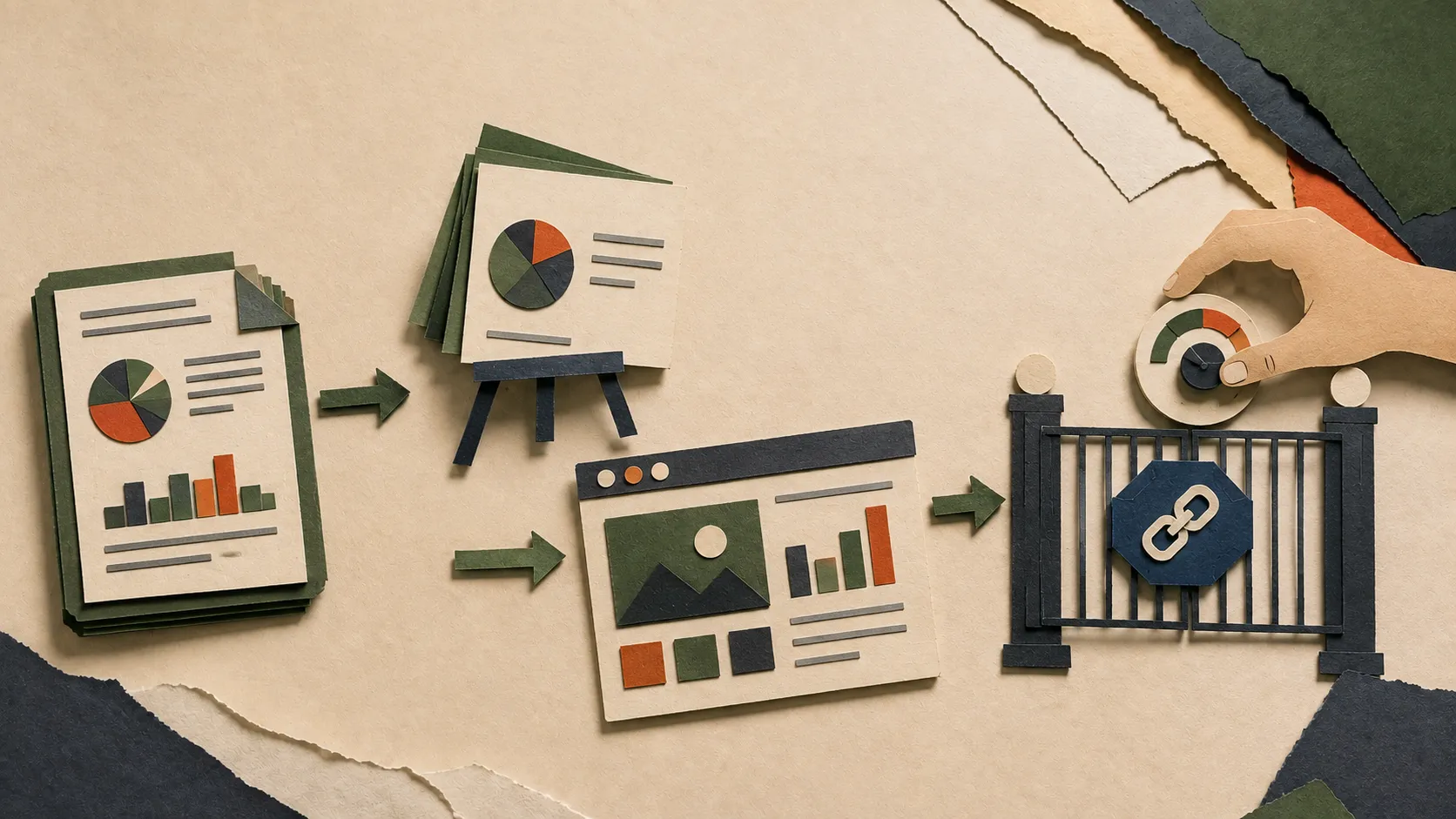
WorkBuddy can create PPT decks, posters, reports, and HTML pages. It can preview webpages in its built-in browser and upload artefacts to supported cloud destinations. Its lightweight-publish feature can turn local HTML into a public workbuddy.link page.
Do not collapse those steps. “Make a deck” does not authorise uploading it. “Preview this page” does not authorise a public URL.
Start from an approved content spine
For a five-slide project update:
Audience: project sponsors with five minutes.
Source of truth: approved-project-brief.md and metrics-reviewed.csv only.
Slides:
1. decision required,
2. progress against plan,
3. evidence and metrics,
4. risks and unknowns,
5. next actions with owners already present in the source.
Do not add market claims, quotes, people, deadlines, or numbers not in the sources.
Create a PPT and a content-outline.md. Do not upload, share, or publish either file.
The outline gives you a plain-text truth layer. When visual layout truncates a sentence, you still know what was intended.
Review content before design
Check:
- Every slide has one job.
- Numbers trace to the reviewed CSV.
- Unknowns remain visible.
- Owners and deadlines come from the source.
- The conclusion matches the evidence strength.
- Decorative images do not masquerade as evidence.
Then review design:
- Text is readable at presentation distance.
- Charts have units, dates, and sources.
- Tables are not cut off.
- Contrast works on the actual display.
- Images are licensed, supplied, or clearly generated illustration.
- No generated readable text is embedded in decorative images.
Use the browser preview for webpages
Ask WorkBuddy to create local HTML and open it in the result browser. Test navigation, narrow widths, forms, and dynamic data before considering publication.
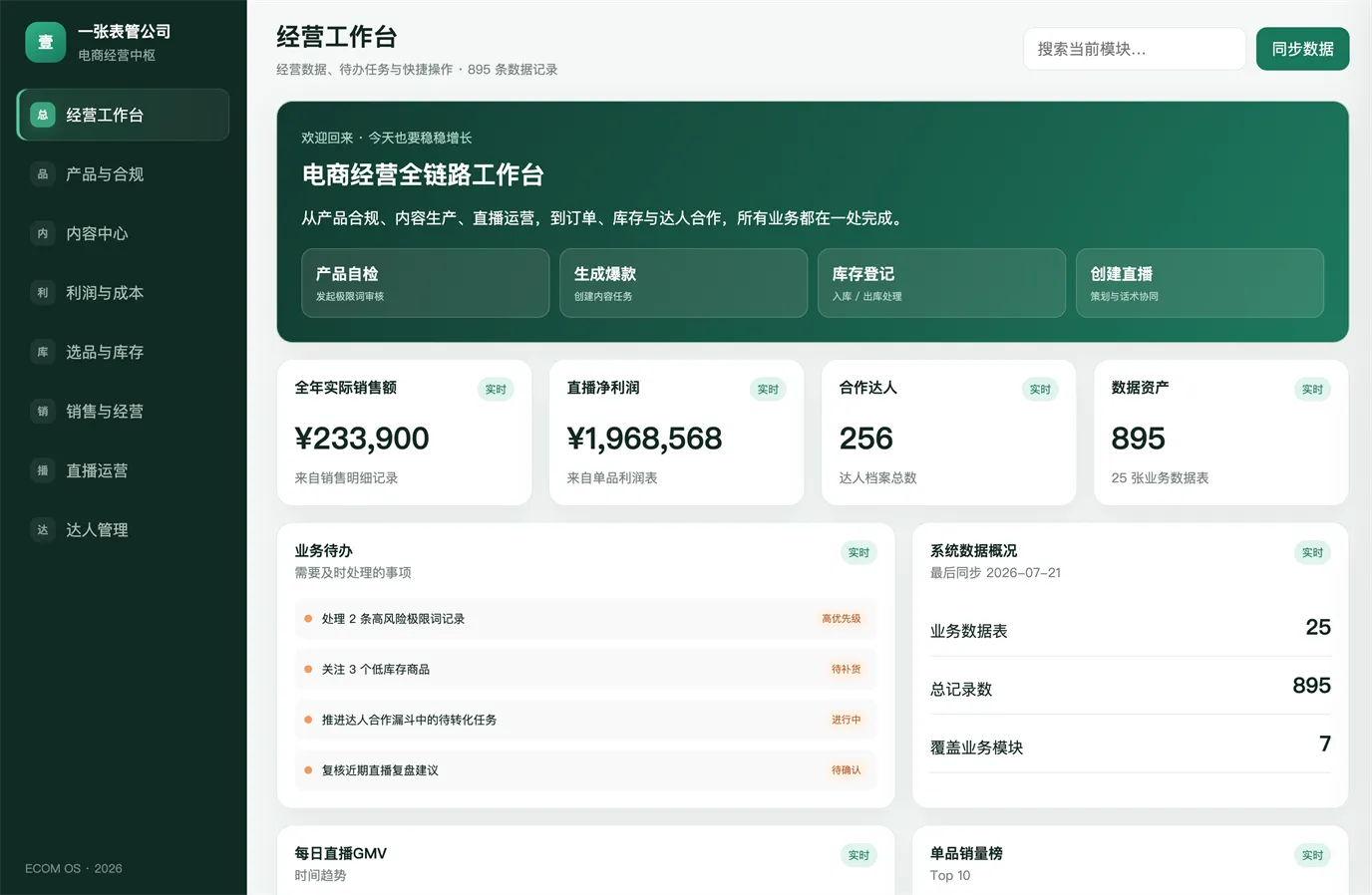
If an HTML page reads CSV data, test empty rows, unusual characters, missing values, and a second browser. A visual preview cannot prove the underlying data is complete.
Understand the sharing choices
The result area can upload artefacts to destinations such as cloud drive, Tencent Docs, ima, or Lexiang. Each destination changes who can access the material, how long it persists, and which service terms apply.
Lightweight publishing is more explicit:
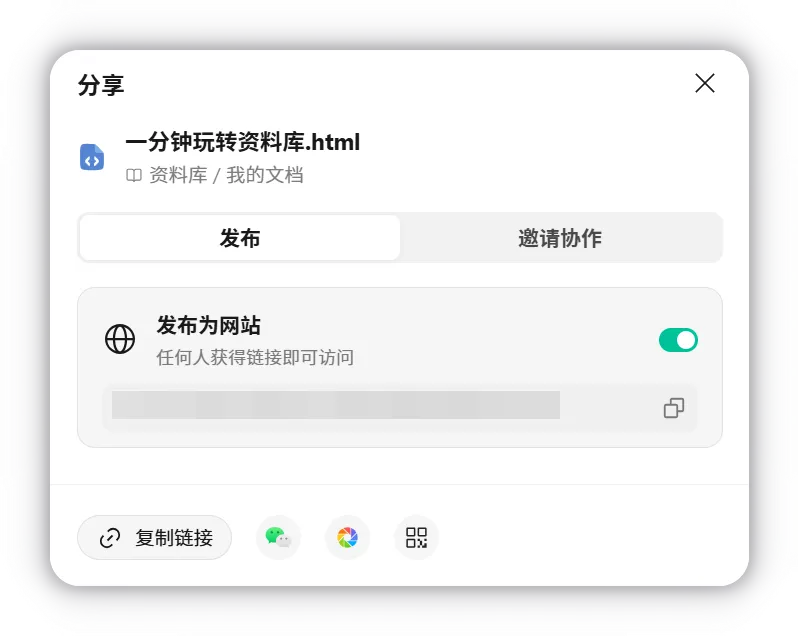
Before publishing, make a release card:
Owner: [person]
Audience: [public / named team / private]
Source data cleared for this audience: yes/no
Personal or confidential data removed: yes/no
Links and forms tested: yes/no
Expiry or takedown owner: [person/date]
Rollback: [how to unpublish or replace]
Presentation repair prompt
Do not change factual content.
Inspect the rendered PPT and report only:
- overflow or clipped text,
- unreadable charts,
- inconsistent spacing,
- missing source notes,
- broken image aspect ratios,
- slides with more than one main message.
Propose repairs and wait for approval before editing.
Success check
Open the actual PPT or HTML outside the chat view. Verify three factual items against source files, inspect all pages/slides for overflow, and confirm no cloud upload or public link exists unless the release card is approved.
FAQ
Can WorkBuddy create Tencent Docs presentations directly?
Official Tencent Docs integration examples include creating and editing PPTs and other document types after the required skill or connector is authorised.
Is workbuddy.link private because the URL is hard to guess?
No. The lightweight-publish guide says anyone who receives the published link can access it. A hard-to-guess URL is not access control.
Should I use a poster-generation skill for evidence charts?
Keep evidence charts faithful to the source. Generated design can frame the chart, but it should not redraw or alter the data.
Quick self-check
Q1. A local HTML page looks correct. What extra authority is needed before turning on “publish as website”?
Answer: An explicit human decision about audience, data clearance, testing, ownership, and rollback.
Official sources
What’s next
Build a tiny application and inspect its file changes in L09: Local Apps, Git, and Parallel Work.