Hermes Agent · Tutorial 14
Test Hermes Agent Skills with NVIDIA SkillEvaluator
Add NVIDIA's advisory scan to Hermes skill installs, inspect the findings, and measure whether one of your own skills improves real agent work.
0 of 1 complete
Reference guide · Read when needed · View the route
Last tested and updated: August 20, 2026. Hermes behavior was checked against Hermes Agent main at commit bf4f5e17, the current Hermes Skills documentation, NVIDIA SkillEvaluator documentation, and NVIDIA’s August 12 benchmark snapshot.
NVIDIA tested more than 300 verified skills across more than 30 products and reported a blunt result: on its benchmark, giving an agent the relevant skill raised average correctness by 41 points and effectiveness by 39 points.
That does not mean every SKILL.md makes an agent better. A vague skill can waste tokens. An over-broad description can load for the wrong task. A malicious skill can quietly instruct Hermes to read secrets or run destructive commands. The useful part of NVIDIA’s release is not the headline number. It is the method: inspect the package, define the tasks it should and should not handle, then run the same work with and without the skill.
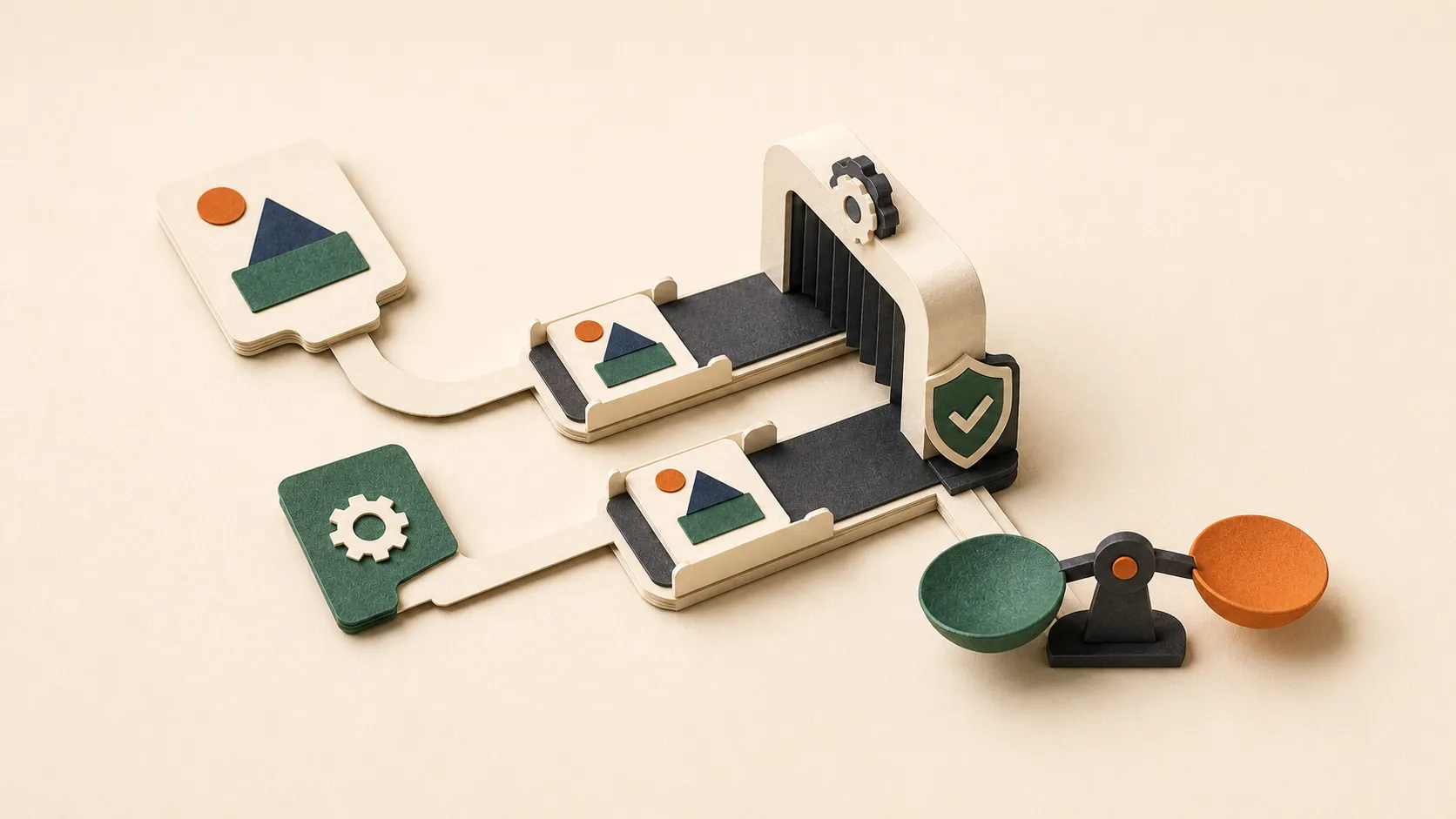
Hermes now connects to part of that workflow. If NVIDIA SkillEvaluator is installed on your machine, hermes skills install can run a keyless Tier 1 scan while the downloaded skill is still in quarantine. Hermes shows file-and-line findings before the normal install confirmation.
This lesson will help you use that feature without confusing a warning with a guarantee—or a Codex benchmark with a direct Hermes benchmark.
Prereqs: complete L04: Hermes Agent Skills and Skill Bundles first. For a crowded existing library, L13: Clean Up Hermes Skills Safely with Curator is the companion maintenance lesson.
What you will finish
By the end of this lesson, you will be able to:
- enable the optional NVIDIA scan used by Hermes hub installs;
- explain which scanner can block an install and which one only advises;
- read PII, secret, Unicode, license, lint, and security findings without treating every match as malicious;
- validate a local Hermes skill manually;
- design positive and negative evaluation cases for one skill;
- run a controlled with-skill versus without-skill comparison on a supported harness; and
- report Skill Lift, cost, tokens, and limitations honestly.
What NVIDIA actually released
SkillEvaluator is an open-source evaluation framework for agent artifacts, starting with skills. It has three independent tiers:
| Tier | Question | Typical checks |
|---|---|---|
| Tier 1: validation | Is this package safe and well formed? | Schema, quality, PII, Unicode smuggling, license, script lint, security |
| Tier 2: distinctiveness | Is the guidance duplicated or overlapping? | Repeated instructions inside one skill and similarity across a catalog |
| Tier 3: live evaluation | Does the skill change real agent performance? | Paired task runs with and without the skill, grading, trajectories, tokens, time |
Tier 3 uses NVIDIA’s Harbor framework to create isolated trials. Each case is run twice with the same prompt, model, inputs, environment, and grader. One run receives the skill; the other does not. The score difference is Skill Lift, measured in points.
NVIDIA’s published snapshot reported these catalog-wide averages across Codex and Claude Code:
| Dimension | Without skill | With skill | Skill Lift |
|---|---|---|---|
| Correctness | 46 | 87 | +41 |
| Discoverability | 42 | 82 | +40 |
| Effectiveness | 39 | 78 | +39 |
| Efficiency | 43 | 78 | +35 |
| Security | 97 | 98 | +1 |
These are points, not percentage increases or pass probabilities. They are also averages across a curated verified-skill catalog, not a promise for your skill. NVIDIA says 85% of the published skills used one attempt per task, 15% used two, and the post does not report confidence intervals. Treat the numbers as evidence that skills can matter—and as a reason to measure your own workflow.
What Hermes added—and what it did not
Hermes already had a built-in skill guard. It scans quarantined hub downloads, applies source trust policy, records provenance, and decides whether installation is allowed. A dangerous verdict remains blocked; --force is not a universal bypass.
The NVIDIA integration is a second opinion that runs after the built-in guard allows the package and before Hermes asks you to confirm the install. In the current Hermes source, it requests this exact Tier 1 subset:
pii, unicode, lint, license, securityThe security check delegates to the separately installed NVIDIA SkillSpector binary. If SkillSpector is missing or its evidence is incomplete, Hermes reports that the security check did not run. It does not quietly turn missing evidence into a clean result.
The boundary matters:
| Capability | Hermes built-in guard | Optional SkillEvaluator pass |
|---|---|---|
| Runs on hub installs | Yes | Yes, when the binary is on PATH |
| Makes the allow/block decision | Yes | No |
| Shows file-and-line findings | Yes | Yes |
| Warns about possible PII and credentials | Yes | Yes |
| Checks Unicode, license, and script lint | Partly, under Hermes rules | Yes, in the selected Tier 1 subset |
| Runs Tier 2 similarity analysis | No | No, not in the install hook |
| Runs Tier 3 with/without trials | No | No, not in the install hook |
| Needs an API key for this install-time pass | No | No |
The feature is enabled by default in Hermes configuration, but it is a silent no-op until skillevaluator is installed. This is why an updated Hermes installation may behave exactly as before.
Step 1: update Hermes and install the optional scanners
First update Hermes through the same installation channel you already use:
hermes update
hermes version
uv --version
The current Hermes documentation pins the install-time tools like this:
uv tool install --python 3.13 \
  "skillevaluator @ git+https://github.com/NVIDIA/SkillEvaluator.git@v0.1.0"

uv tool install \
  "git+https://github.com/NVIDIA/SkillSpector.git@v2.9.5"
If your shell cannot find the commands afterward, run uv tool update-shell, open a new terminal, and verify:
skillevaluator --help
skillspector --help
Hermes reads skills.tier1_advisory from ~/.hermes/config.yaml. It defaults to true. Only add this block if you previously disabled it or want the choice to be explicit:
skills:
  tier1_advisory: true
To switch the advisory integration off later:
skills:
  tier1_advisory: false
You do not need an OpenAI, Anthropic, or NVIDIA API key for these deterministic install-time checks.
Step 2: inspect before you install
Pick a real third-party skill you were already considering. Do not install a random package merely to make the scanner light up.
hermes skills search kubernetes
hermes skills inspect openai/skills/k8s
hermes skills install openai/skills/k8s
The install flow should now have four visible stages:
download into quarantine
    → Hermes built-in security scan and policy decision
    → SkillEvaluator Tier 1 advisory findings
    → your install confirmation
If the output never mentions SkillEvaluator, check skillevaluator --help in the same shell that launches Hermes. The integration looks for the binary on PATH; installing it into another environment is not enough.
Read the findings by class
PII findings can identify a real personal email, local username, absolute home path, or connection string. They can also match documentation examples such as git@github.com. Treat the line as something to inspect, not a guilty verdict.
Secrets-class findings include private keys, cloud access keys, tokens, webhooks, JWTs, and credentialed connection strings. Hermes highlights these in red. Stop and review the exact file before continuing. A secret embedded in a skill package should normally be removed and rotated, not accepted because the skill looks useful.
Unicode findings look for invisible or deceptive characters such as bidirectional controls and zero-width text. These can hide instructions or make a command look different from what the shell receives.
Script lint findings point to unsafe or malformed helper scripts. Read the called command, arguments, network destinations, and filesystem scope.
License findings are adoption risks, not proof of malicious behavior. A missing or incompatible license can still make a skill unsuitable for team or commercial use.
Security findings come from SkillSpector when it is installed and completes successfully. They are hypotheses to investigate. Automated scanners can miss subtle behavior and can flag legitimate administration instructions.
Step 3: validate one local Hermes skill manually
The install hook covers hub downloads. Your own skills, edited skills, and older installed packages deserve the same attention.
Find the skill directory under ~/.hermes/skills/, then mirror Hermes’ install-time subset:
skillevaluator validate ~/.hermes/skills/my-skill \
  --checks pii,unicode,lint,license,security \
  --no-dedup
For broader authoring hygiene, include schema and quality:
skillevaluator validate ~/.hermes/skills/my-skill \
  --checks schema,pii,license,quality,unicode,lint \
  --no-dedup
The second command deliberately omits the external security check. It is a fast, deterministic writing pass that works before you configure deeper scanner coverage. For a complete Tier 1 security run, follow NVIDIA’s current installation guide for Semgrep, SkillSpector, and Gitleaks, then verify that every required check actually completed.
Use report files when you need an auditable review:
skillevaluator validate ~/.hermes/skills/my-skill \
  --checks schema,pii,license,quality,unicode,lint \
  --no-dedup \
  -r cli,json,html \
  -o reports/my-skill
Do not commit report artifacts that contain personal paths, captured prompts, or secrets. Review and redact them before sharing.
Step 4: write an evaluation set that can prove something
A live benchmark is only as useful as its cases. Start with one skill whose job is narrow enough to judge, such as:
- turn meeting notes into a decision log;
- review a pull request using a fixed checklist;
- extract citations from a research brief;
- create a deployment plan without executing it.
Generate an initial four-bucket dataset:
skillevaluator create-eval-dataset ~/.hermes/skills/my-skill --fullThis writes evals/evals.json inside the skill. Review every case before spending model tokens.
Your dataset should cover:
| Case type | What it proves | Example for a PR-review skill |
|---|---|---|
| Explicit | The user directly asks for the skill | “Use the security PR checklist on this diff.” |
| Implicit | The task needs the skill without naming it | “Review this authentication change before merge.” |
| Contextual | The skill should adapt to supplied context | “Review this docs-only change; focus on broken links.” |
| Negative | The skill should stay unloaded | “Write release notes from these merged PR titles.” |
Negative cases protect discoverability. A skill that activates on every mention of “review,” “file,” or “GitHub” may look busy while making unrelated work worse.
For each case, define an observable expected output or assertion. “Produces a good answer” is not a grading contract. Better criteria look like:
- names the three changed authentication boundaries;
- cites the exact file for every blocking issue;
- does not modify the repository;
- distinguishes required fixes from optional suggestions;
- stays unloaded for the release-note case.
Step 5: run the paired live evaluation
Tier 3 is a separate, heavier workflow. It needs a supported agent CLI, an evaluator/model-provider credential, and an execution backend. Docker is the safest documented starting point for untrusted skills because every trial runs in an isolated container.
First run the readiness check:
skillevaluator doctor --agents codex --env-mode dockerThen start with one agent and a small reviewed dataset:
skillevaluator tier3 evaluate ~/.hermes/skills/my-skill \
  --agents codex \
  --env-mode docker
For a less noisy comparison, repeat each case rather than trusting one stochastic run:
skillevaluator tier3 evaluate ~/.hermes/skills/my-skill \
  --agents codex \
  --env-mode docker \
  --n-attempts 3
NVIDIA Build can supply the evaluator and supported agents in Docker or local mode with one NVIDIA_API_KEY; OpenAI, Anthropic, Bedrock, and OpenAI-compatible providers have different requirements. Keep operator credentials in the host environment. SkillEvaluator rejects attempts to smuggle protected credential variables through evals/config.yml.
Step 6: read the result without gaming it
Look at at least five things:
- Correctness: Did the final artifact meet the case requirements?
- Effectiveness: Did the agent complete the intended workflow rather than merely sound knowledgeable?
- Discoverability: Did the skill load for relevant tasks and stay out of negative cases?
- Efficiency: Did the agent avoid redundant searches, repeated reads, and dead-end tool calls?
- Security: Did the skill preserve boundaries around secrets, destructive actions, and authorization?
Then inspect token use, elapsed time, and trajectories separately. A positive average can hide one critical regression. Read the failing case, not only the headline score.
Use this decision framework:
| Result | Likely action |
|---|---|
| Positive lift, clean negative cases | Keep the skill and add more representative cases |
| Correctness improves, tokens explode | Shorten instructions, move details into references, remove repeated guidance |
| Explicit cases pass, implicit cases miss | Rewrite the description and trigger conditions |
| Negative cases load the skill | Narrow the description; remove keyword bait |
| Security regresses | Stop; repair the skill before publishing or scheduling it |
| No consistent lift across attempts | Simplify the skill or accept that the base agent already handles the task |
Do not rewrite the eval after seeing a bad score merely to make the chart green. Update the cases only when the grading contract was genuinely wrong, and keep that change visible in version control.
A practical Hermes workflow
Here is the routine I recommend for Hermes users:
Before install
  inspect source → built-in Hermes guard → SkillEvaluator advisory → human confirmation

Before publishing your own skill
  Tier 1 validate → review explicit/implicit/contextual/negative cases → Tier 3 proxy test

Before scheduling or giving credentials
  disposable Hermes task → inspect tool calls and outputs → approve only the required access

After updates
  re-scan → re-run the smallest representative eval set → compare tokens, time, and failures
The Tier 3 proxy test can improve a cross-compatible SKILL.md, but the last Hermes step is still necessary. Hermes has its own system prompt, skill discovery, tools, memory, and execution behavior. A Codex lift tells you the instructions helped Codex under that test; it does not erase the need to verify Hermes.
Troubleshooting
| Symptom | What it usually means | Fix |
|---|---|---|
| Hermes install shows no SkillEvaluator section | The optional binary is missing from the Hermes process PATH | Run skillevaluator --help in the same shell, update the shell path, then restart Hermes |
| The security check says “not run” | SkillSpector is missing or returned incomplete evidence | Install the Hermes-documented SkillSpector pin and rerun; do not call the result clean |
| A documentation email is flagged as PII | Deterministic scanning matched a known false-positive class | Inspect the line and replace real personal data; document harmless examples rather than suppressing blindly |
--force still cannot install a skill | The built-in Hermes guard produced a dangerous verdict | Do not work around it; inspect or repair the package at its source |
| Tier 3 doctor fails | Agent CLI, credential, Docker, model, or backend is not ready | Fix the named readiness check before running paid trials |
| Skill Lift is high on one case and negative on another | The skill helps one workflow but harms another | Split the skill, narrow its triggers, or keep separate specialized skills |
| Tier 3 result is called a Hermes benchmark | The evaluated harness was Codex, Claude Code, or OpenCode | Relabel it as a proxy result and run a separate controlled Hermes verification |
Hands-on exercise
Use a non-critical skill that does not need production credentials.
- Run the fast deterministic validation and save the JSON report locally.
- Fix or explicitly review every PII, Unicode, license, and lint finding.
- Create four cases: explicit, implicit, contextual, and negative.
- Add observable expected outputs or assertions.
- Run
doctor, then a one-agent Docker evaluation. - Compare outcome score, tokens, time, and the worst individual regression.
- Run the same bounded task once in Hermes before relying on the skill.
Success criteria
You are finished when you can show:
- which Tier 1 checks completed and which did not;
- the exact line-level disposition for every material finding;
- at least one case where the skill should stay unloaded;
- a with-skill and without-skill result from a named supported harness;
- an honest statement of whether the result does or does not generalize to Hermes.
Self-check
Q1. Which component makes the final allow/block decision during a Hermes hub install?
- A) NVIDIA’s published benchmark
- B) Hermes’ built-in skill guard
- C) SkillEvaluator Tier 3
- D) The skill’s author field
Q2. Why should an evaluation set contain negative cases?
Q3. A Codex Tier 3 run reports +25 Skill Lift for your cross-compatible skill. What can you claim?
- A) Hermes Agent is now 25% more accurate
- B) The skill improved every supported harness by 25 points
- C) The skill improved the measured Codex score by 25 points under that evaluation
- D) The skill is safe to schedule with production credentials
Q4. What should you conclude when SkillSpector is missing and the security validator reports incomplete?
Answers
A1. B. Hermes’ built-in guard remains the enforcement layer. The SkillEvaluator install hook is advisory.
A2. Negative cases prove the skill stays unloaded when it is irrelevant. They catch over-broad descriptions and trigger bait that can degrade unrelated work.
A3. C. Skill Lift is a point difference for the measured harness, model, cases, grader, and environment. It is not a percentage and does not automatically generalize to Hermes.
A4. You have no opinion from that missing check. Do not translate incomplete evidence into a clean security result.
Sources
- NVIDIA Technical Blog: Evaluating AI Agent Skill Performance with NVIDIA SkillEvaluator
- NVIDIA SkillEvaluator repository
- NVIDIA SkillEvaluator docs: Tier 1 validation
- NVIDIA SkillEvaluator docs: eval datasets
- NVIDIA SkillEvaluator docs: agents and sandboxes
- NVIDIA SkillEvaluator docs: reports and results
- Hermes Agent docs: Skills System
- Hermes source: advisory SkillEvaluator adapter
- Hermes source: hub install flow
- Hermes source: 29 adapter tests
- NVIDIA AI announcement on X
- Nous Research announcement on X