Decodo Web Scraping · Tutorial 09
Scale a proven scrape with sync, async, and batch requests
Keep experiments in MCP, use real-time API calls for fast jobs, and move longer or repeated work to asynchronous tasks, batches, and reviewed callbacks.
0 of 11 complete
Do not automate a vague research prompt. First prove a fixed target, schema, validation rule, and request budget with MCP or the API Playground.
Then choose an API mode.
| Mode | Use when | Main tradeoff |
|---|---|---|
| Real-time | One job should finish quickly in the open HTTP request | Connection stays open; documented timeout is 150 seconds |
| Asynchronous | Job can outlive the request or needs later retrieval | You must store and poll a task_id |
| Batch | Many URLs or queries share one target and schema | Bigger failure surface; subscription rate limits apply |
Real-time request
curl --request POST \
  --url 'https://scraper-api.decodo.com/v2/scrape' \
  --header 'Accept: application/json' \
  --header 'Authorization: Basic TOKEN_VALUE' \
  --header 'Content-Type: application/json' \
  --data '{
    "target": "google_search",
    "query": "best compact mechanical keyboard",
    "geo": "United States",
    "locale": "en-US",
    "device_type": "desktop",
    "parse": true
  }'
Use for an interactive request where the caller can wait. If the connection closes before completion, the result can be lost.
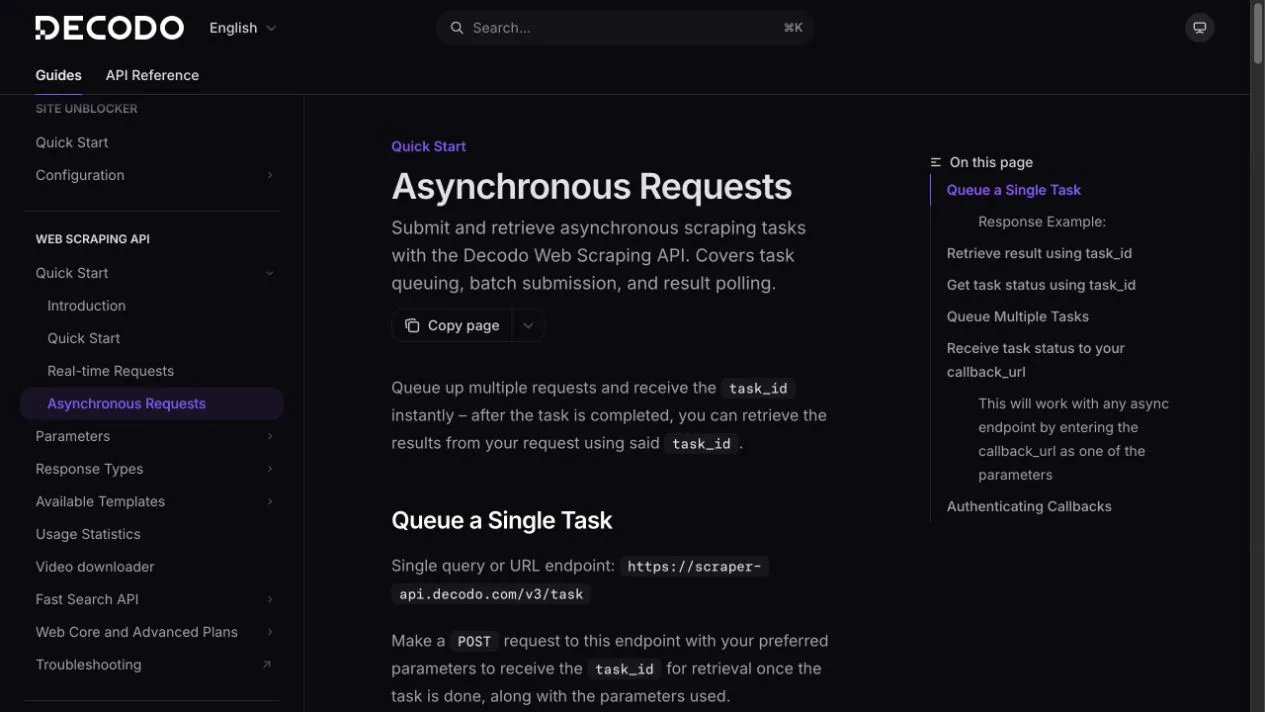
Queue one asynchronous task
curl --request POST \
  --url 'https://scraper-api.decodo.com/v3/task' \
  --header 'Accept: application/json' \
  --header 'Authorization: Basic TOKEN_VALUE' \
  --header 'Content-Type: application/json' \
  --data '{
    "target": "google_search",
    "query": "best compact mechanical keyboard",
    "geo": "United States",
    "parse": true
  }'
Store the returned id as your task_id. Then:
# Check status
curl --request GET \
  --url 'https://scraper-api.decodo.com/v3/task/TASK_ID' \
  --header 'Authorization: Basic TOKEN_VALUE'

# Retrieve results after status is done
curl --request GET \
  --url 'https://scraper-api.decodo.com/v3/task/TASK_ID/results' \
--header 'Authorization: Basic TOKEN_VALUE'Queue a batch
Use https://scraper-api.decodo.com/v3/task/batch when all entries use one target. Decodo’s documentation says one batch contains queries or URLs, not both, and documents a one-batch-request-per-second limit.
{
  "target": "google_search",
  "query": [
    "best compact mechanical keyboard",
    "quiet mechanical keyboard for office",
    "low profile mechanical keyboard"
  ],
  "geo": "United States",
  "parse": true
}
Preserve one output record per input, including failures. Never drop failed rows and then report a 100% success rate.
Use callbacks carefully
An async request can include callback_url. Treat callback input as untrusted network data:
- Use HTTPS.
- Add a random value in Decodo’s
passthroughfield and verify it on receipt. - Validate task ID, target, and expected schema.
- Make processing idempotent; duplicate callbacks must not duplicate records.
- Keep the Basic token out of the callback URL and logs.
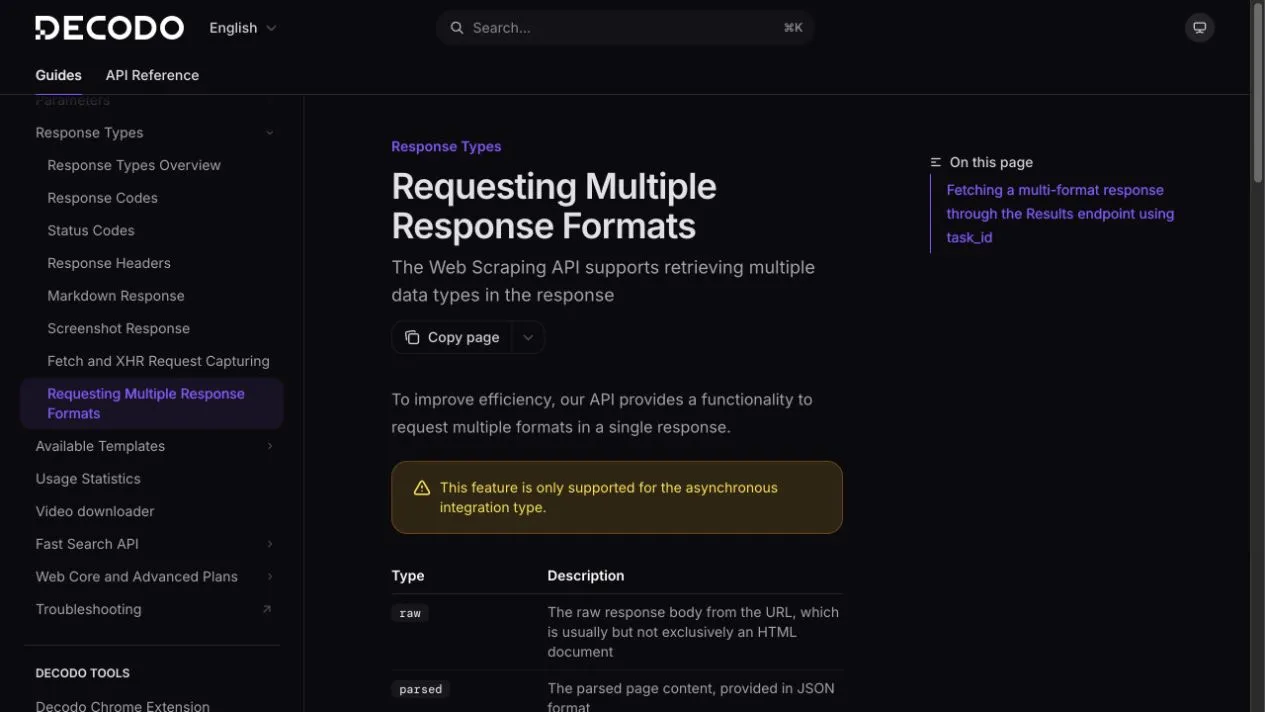
Retrieve multiple response formats
Decodo supports raw, parsed, markdown, xhr, and png outputs for compatible async requests. Retrieve selected formats through:
https://scraper-api.decodo.com/v3/task/TASK_ID/results?type=raw,markdown,pngNot every target supports every combination.
Production-ready record
Store at least:
- internal job ID;
- Decodo task ID;
- target and exact input;
- request parameters;
- queued, completed, and observed times;
- response status and format;
- accepted record count;
- retry count and reason;
- validation outcome;
- source URLs;
- estimated or actual request cost.