Decodo Web Scraping · Tutorial 08
Search YouTube, collect metadata, and work with subtitles
Use Decodo's YouTube search, channel, metadata, and subtitle tools to build a source-first video research workflow; understand when the separate video downloader applies.
0 of 11 complete
Decodo exposes four YouTube MCP tools:
youtube_search— discover videos for a query.youtube_channel— list videos from a channel.youtube_metadata— collect fields for one video.youtube_subtitles— retrieve available subtitles for one video.
Use them in that order only when the job requires discovery. If you already have a video ID, skip search.
Workflow A: discover videos
Use youtube_search for “beginner local AI agent tutorial”.
Return the first 10 results with video ID, title, channel, published time,
duration, view count if available, and canonical URL.
Use one request. Do not rank quality from title or views alone.
Workflow B: inventory a channel
Use youtube_channel for @BoxminingAI.
Return the 20 newest videos with ID, title, published time, duration,
view count if available, and URL. Use one request.
State the collection time and returned limit. A channel inventory is a snapshot.
Workflow C: get one video’s metadata
Use youtube_metadata for video ID [VIDEO_ID].
Return title, channel, published time, duration, description, tags if available,
view/like/comment counts if available, thumbnail URLs, and canonical URL.
Use one request.
Do not claim the current title was always the title. Metadata can change.
Workflow D: collect subtitles
Use youtube_subtitles for video ID [VIDEO_ID].
Return available language, whether track is auto-generated if reported,
timestamped subtitle segments, and canonical video URL.
Use one request.
For a research brief:
- Preserve timestamps.
- Link important claims to
https://www.youtube.com/watch?v=VIDEO_ID&t=SECONDSs. - Distinguish speaker claims from your verification.
- Do not silently “correct” transcript wording inside a quotation.
- Keep quotations short; summarize the rest.
Separate feature: Video downloader
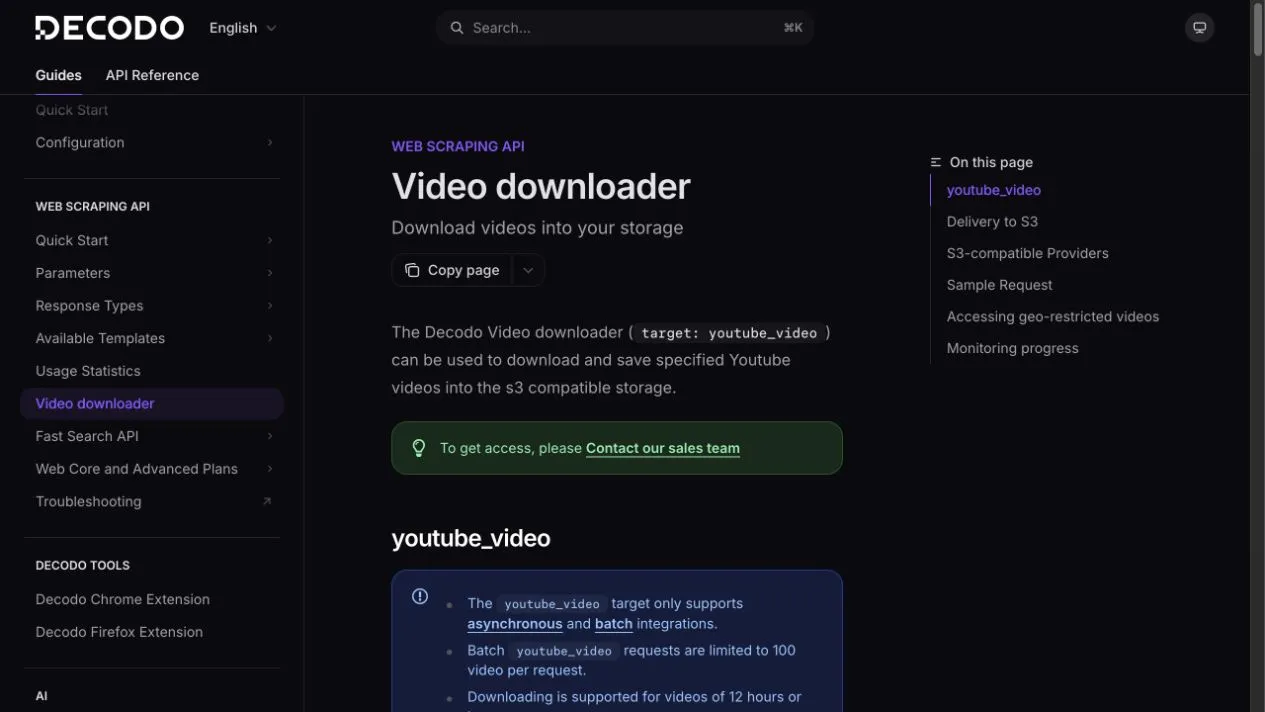
Decodo also documents a youtube_video Web Scraping API target for delivering specified YouTube videos to S3-compatible storage. This is not one of the current MCP tools listed above.
Use downloading only when you have the rights and a real need for the media file. For most research, metadata and subtitles are cheaper, faster, and easier to review.
Output template
Video: [title]
Channel: [channel]
Published: [source date]
Observed: [collection timestamp]
URL: [canonical URL]

Key takeaways:
1. [summary] — [timestamp link]
2. [summary] — [timestamp link]

Claims needing verification:
- [claim] — primary source to check

Missing evidence:
- [field or subtitle gap]