Research brief · October 22, 2026
Astra for Websites: Build, Open the App, Fix What Breaks
Use GPT-6 Astra on website work that needs code plus a live preview: the build-open-fix loop, a filter-survives-refresh demo, quirks, and a prompt recipe.

Astra is for website jobs that stalled because the feature needs judgment across files and the running UI. Require browser proof after refresh. Lock scope against redesigns.
Most “AI for websites” videos end on a pretty screenshot. Astra is interesting for a different reason: it can write the page, open the preview, click around, notice what is broken, and fix it before it hands the work back.
This is the readable companion to the Superbash Astra for websites episode. Pair it with real work with GPT-6 Astra on the Mikos fleet and the deeper early review.
What Astra is (for website work)
GPT-6 Astra mixes harder reasoning, coding, and computer use. For websites, that means it is not just “generate JSX.” It is “make the feature work in the browser.”
If your job is rewrite a hero paragraph, use a cheaper model. If the job stalled because the feature needs judgment across files and the running UI, Astra is the tool to try.
Best website jobs
- Stubborn front-end bugs: race conditions, filter state, SSR/CSR mismatches.
- Wiring a feature into an existing site: not greenfield todo apps; messy real layouts.
- Browser QA: click paths, refresh, empty states, mobile width.
- Awkward admin UIs: CMS, dashboards, form builders where APIs alone are not enough.
Your homework after this page is not “ask Astra to redesign my homepage.” It is: take one website task that already failed twice, and give Astra the failed context.
Demo: filter that survives refresh
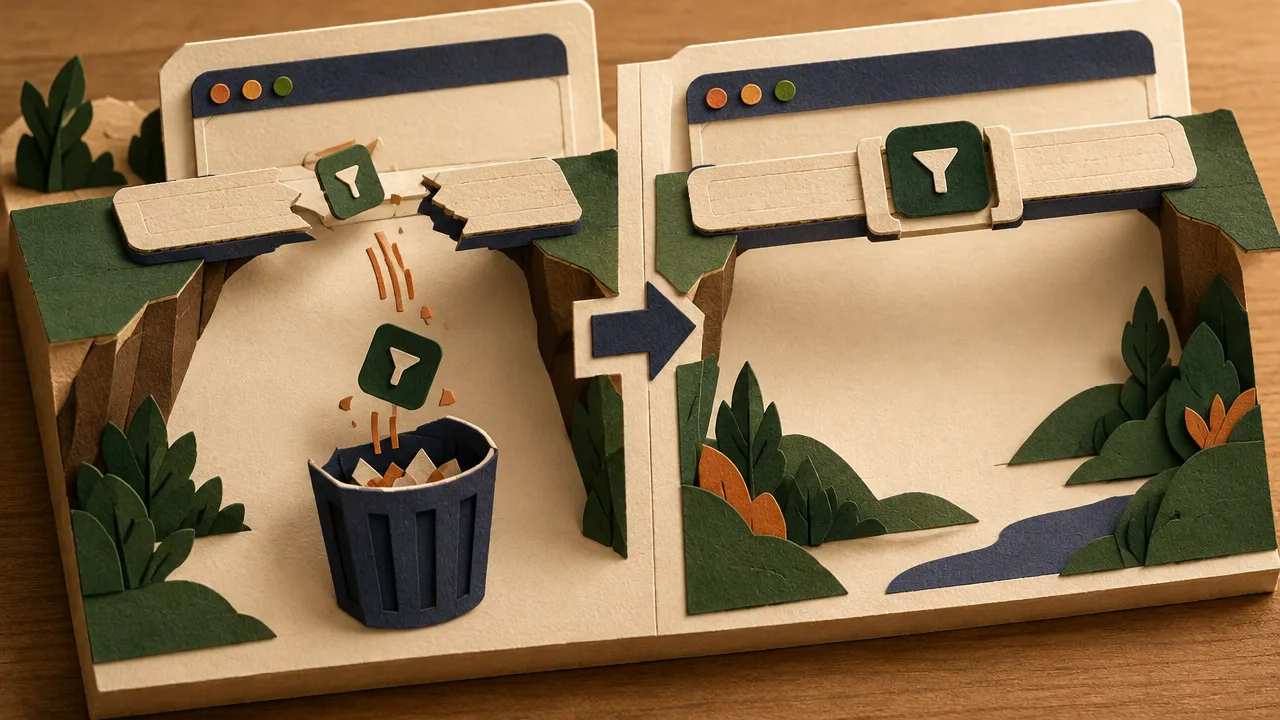
Definition of done
- Selecting a tag updates the URL
- Refresh keeps the same filtered list
- Clearing the tag restores the full list
- You verify all three in the browser yourself
Prompt card (pin this)
Task: Fix the projects list filter so the selected tag survives a full page refresh.
Repo: <path>
Preview: <url>
Done when:
1) Selecting a tag updates the URL
2) Refresh keeps the same filtered list
3) Clearing the tag restores the full list
4) You verify all three in the browser yourself
Constraints: no visual redesign; keep existing components; no new dependencies.
I already tried: <1–2 failed approaches>. Files: <paths>.
Steps while it works
- Paste the brief.
- Point Astra at the repo path and preview URL.
- Let it reproduce the bug in the browser.
- Watch it change code → reload → retest.
- You approve only when you refresh and it still works.
If the live demo derails, cut to a clean take and say so. Live agents flake.
Quirks on website work
- Over-verification on tiny copy changes. It will explore the whole app for a text tweak. Cap the check: “only verify the affected page.”
- Unwanted UI flourishes. It “improves” spacing, adds motion, renames labels. Say: “no design changes.”
- Long-task drift. Big redesigns wander. Slice: one route, one component, one acceptance test.
- Pretty code, broken UX. Always require the browser proof, not a diff summary.
Judge Astra by what works after refresh, how much you had to supervise, and whether the time cost was worth it. Chat confidence is a weak signal.
Prompt recipe for website jobs

- Finish line (four bullets max)
- Evidence pack (failed attempts + files)
- Preview access (URL + how to log in if needed)
- Scope lock (no redesign / no new deps)
- Proportionate verification
Match the verification budget to the risk. Text change → check one page. Auth change → expect a deep pass.
Try this today
Pick one stalled website task. Run that prompt. If it still fails, the failure modes are content for the next episode: browser QA with Astra.
Put this to work
Treat Astra as a website operator that must prove the UI, not a copy generator.
Try
Run the pinned prompt on a broken filter or lost client state bug.
Prove it worked
You refresh. If the filter is gone, the job failed — regardless of the diff.
Keep in view
- Best fits: stubborn front-end bugs, wiring into messy existing sites, browser QA, awkward admin UIs.
- Demo finish line: filter updates the URL, survives refresh, and clears correctly — verified in the browser.
- Cap verification on tiny copy; forbid unrelated visual redesigns.
- Homework: one stalled website task with failed context and a concrete definition of done.