ADHD SKILL: Make AI Stop Building Boring Websites (Tutorial)

Most AI website work is not broken. It is worse: it is competent, familiar, and impossible to remember.
The ADHD skill is a deliberate interruption to that default. It makes several agents explore the same problem independently under different cognitive frames, then switches to a separate critic pass to rank ideas, flag traps, and deepen the best survivors. The goal is not random output. The goal is to make a genuinely better decision before you invest implementation time.
The source video, ADHD SKILL: Make AI Stop Building Boring Websites, moves from the boring-site problem through divergence, ranking, installation, redesign examples, limits, costs, and Git workflow. This guide turns that sequence into a repeatable practice.
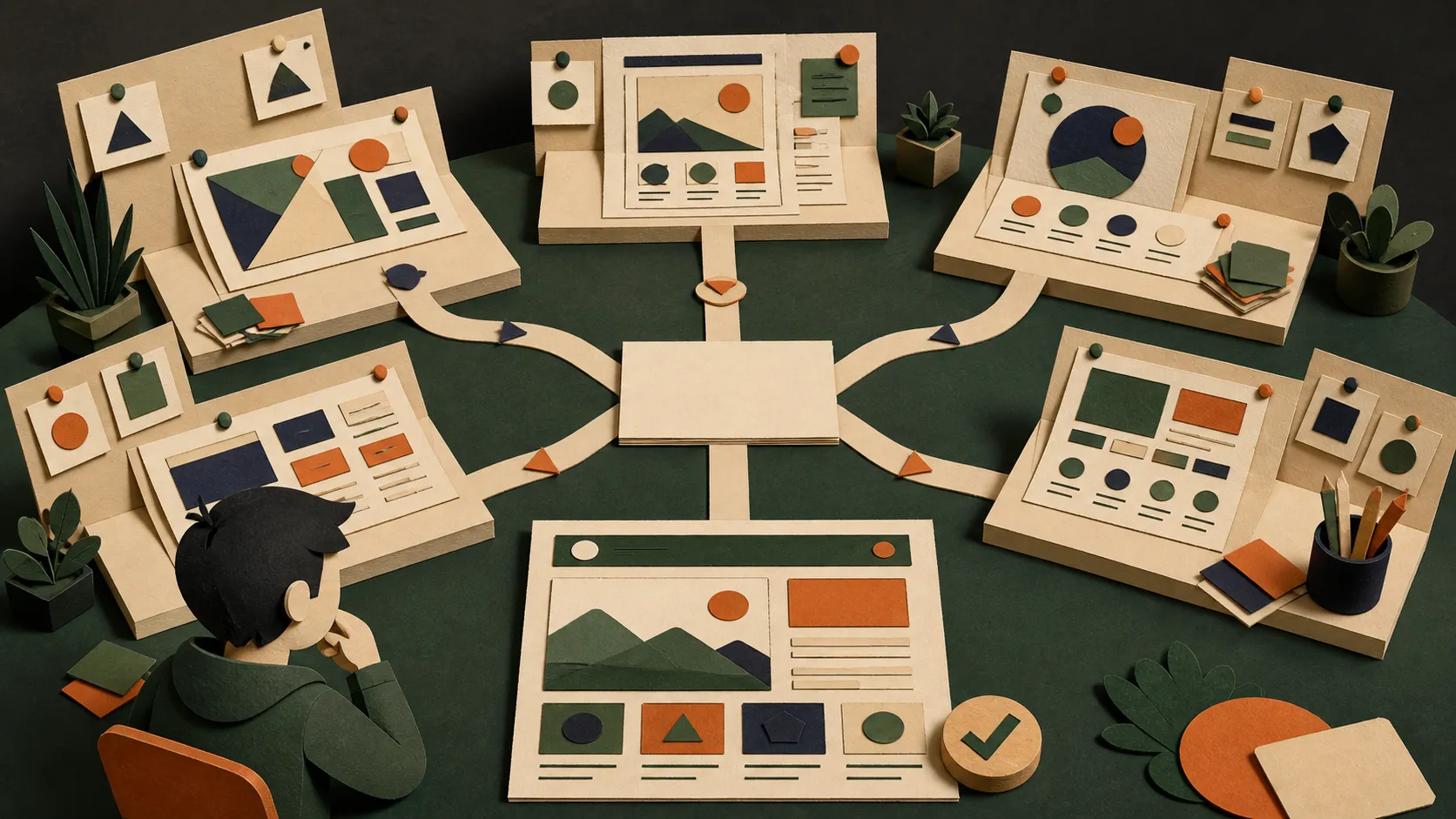
Decide whether this is an ADHD problem first
Do not run ADHD because a task sounds creative. Run it when the obvious answer would be costly to get wrong.
Use it for a homepage hierarchy, a mobile navigation model, a feature that has competing interaction patterns, a fuzzy architecture choice, a product name, or a strategy where several good-looking directions are genuinely possible. Skip it for a fixed bug, a syntax question, a small copy edit, or a task with one established answer.
Ask three questions:
- Is the task open-ended? If there is only one correct configuration or one clearly defined bug, solve it directly.
- Does the choice matter? Spend the extra agent calls only when a conventional choice would create meaningful rework or a weak product experience.
- Can you name a concrete outcome? “Make it more creative” is too vague. “Help a first-time mobile visitor choose a nearby restaurant in under ten seconds” is a real design problem.
Install the skill, then invoke it explicitly
The upstream project provides the current install command:
npx skills add UditAkhourii/adhdFor Codex, the upstream documentation also provides a global install variant if automatic discovery does not register the skill:
npx skills add UditAkhourii/adhd -a codex -gThen make the intention explicit:
/adhd "Redesign the restaurant page for a person choosing where to eat tonight.
They need distance, current availability, dietary confidence, and a clear next action
without a desktop-style filter wall. Keep the canonical restaurant URL and preserve
the map. Show how we will tell that the redesign works."
The command is not a replacement for a product brief. It is a structured way to challenge one. The video’s setup segment starts at 03:18; use it for the visual walk-through, and inspect the linked skill before you allow it to run tools in a real workspace.
What the skill actually changes
The important difference is isolation during idea generation. A normal chat often gives you its first sensible layout and spends the rest of the answer decorating that choice. ADHD gives each branch only the problem and one unusual vantage point. The branches do not see each other while they generate.
For a design problem, the skill typically uses five frames. A regulator asks what must be provable or recoverable. A game designer looks for a useful loop and visible progress. A speedrunner looks for the fastest path to the job. An inversion frame asks how to guarantee the opposite outcome, then turns that answer around. A wild frame such as biology or ant colony forces an assumption out into the open.
Those branches create a wider set of candidate moves. They are not five implementation plans. At this stage, weirdness is allowed precisely because nothing has been selected yet. The video explains this divergence move at 02:11.
Make the critic earn the right to choose
After divergence, switch modes. Score each candidate for:
- Novelty: is it meaningfully different from the first safe answer?
- Viability: could a team actually build and maintain it?
- Fit: does it solve the stated user problem and respect the constraints?
Then cluster ideas by their underlying angle, not by surface language. A “bottom sheet,” “quick compare,” and “one-thumb choice” may all be variants of a faster-decision cluster. A “waitlist,” “reminder,” and “hold my place” concept may belong to an uncertainty-management cluster. The best output is a short shortlist with a reason for each pick, plus a separate trap list.
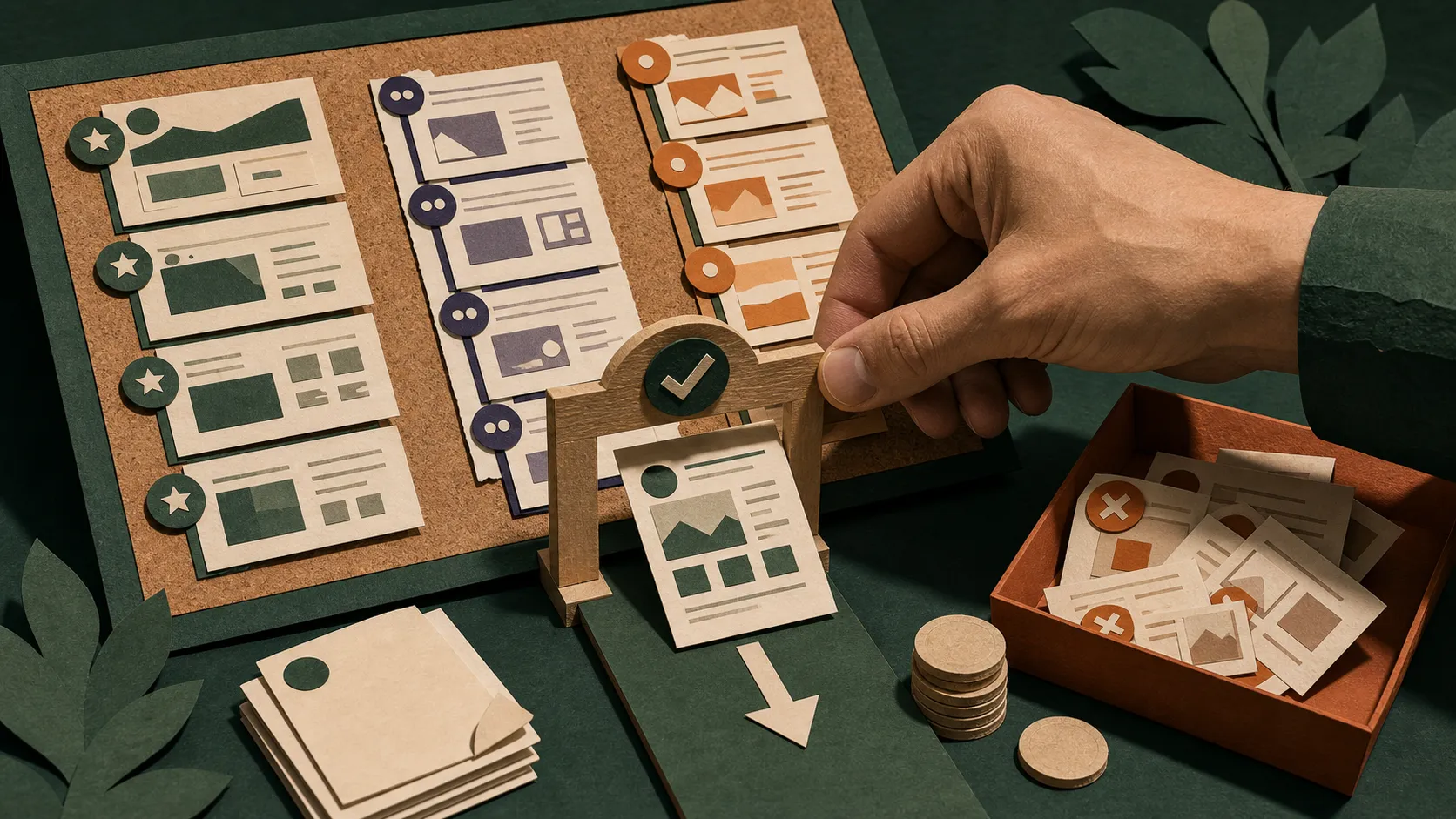
The trap list is the feature most teams skip. A clever choice can be expensive, inaccessible, impossible to explain, or based on a false premise. Keep the reason beside the rejection. The video introduces the ranking stage at 02:45; the upstream skill formalises the critic as a separate pass so it does not smother the initial range of ideas.
Turn one survivor into a working change
Do not ask an agent to implement every idea. Select one direction, write a compact acceptance contract, and build that.
For the restaurant-page brief above, a reasonable contract could be:
- A mobile visitor can see distance, dietary fit, and the primary action without horizontal scrolling.
- The map remains available at its existing URL and deep links still work.
- The new decision path is understandable with keyboard navigation and a narrow viewport.
- A tester can complete “find a nearby vegetarian option and open directions” without interpreting a hidden icon.
Use the other shortlisted ideas as comparison points, not a backlog of speculative features. Ship the selected route, test it in the browser, and retain evidence: screenshots, task completion notes, performance checks, and the Git diff. The source video’s examples begin with the DogDog redesign at 03:45 and AirDroplet UX at 04:01; treat them as demonstrations of the method, not a promise that divergent ideation automatically improves every product.
The trade-off is real
ADHD spends more than a single answer. The skill’s default shape is roughly five isolated idea-generation calls, one score-and-cluster pass, and three deepening calls. It also takes longer to read and judge the result. The video addresses limitations at 05:06 and credit use at 07:06.
That cost is justified at a decision point—not at every keystroke. A good operating rule:
| Situation | Use ADHD? | Better move |
|---|---|---|
| Fix a known broken button | No | Reproduce, diagnose, patch, and test. |
| Choose a new dashboard information architecture | Yes | Diverge, score, select one testable direction. |
| Write a release-note correction | No | Edit directly and review for accuracy. |
| Name a product with expensive positioning consequences | Yes | Generate competing frames, then test the shortlist with real users. |
| Decide whether a complex feature is worth building | Yes | Use frames to surface alternatives and the seductive traps. |
The key boundary: more ideas are not evidence. The method improves the chance that you see a non-obvious option; testing tells you whether that option works.
A 30-minute first run
- Pick one consequential, open-ended decision—not a blank-page exercise.
- Write a four-line brief: user, job, constraint, proof of success.
- Run
/adhdonce and keep the full clustered output. - Reject ideas that break the constraints, even when they are novel.
- Choose one survivor and turn it into an acceptance contract.
- Implement only that direction in a branch or worktree.
- Test the real task in the browser, record what happened, and keep or revert the change honestly.
The video closes on workflow and Git at 08:40. That is the right mental model: ADHD improves the decision before implementation; version control and verification keep the experiment safe.