Humanizer: The FREE Claude Skill That Fixes AI Writing Slop (Plus the Step Everyone Misses)

Humanizer is an editing skill for prose that sounds machine-made. It targets patterns such as inflated importance, repetitive conclusions, forced three-part lists, excessive headings, and overused punctuation. It does not verify facts, repair weak research, or invent a credible personal voice.
Before you start
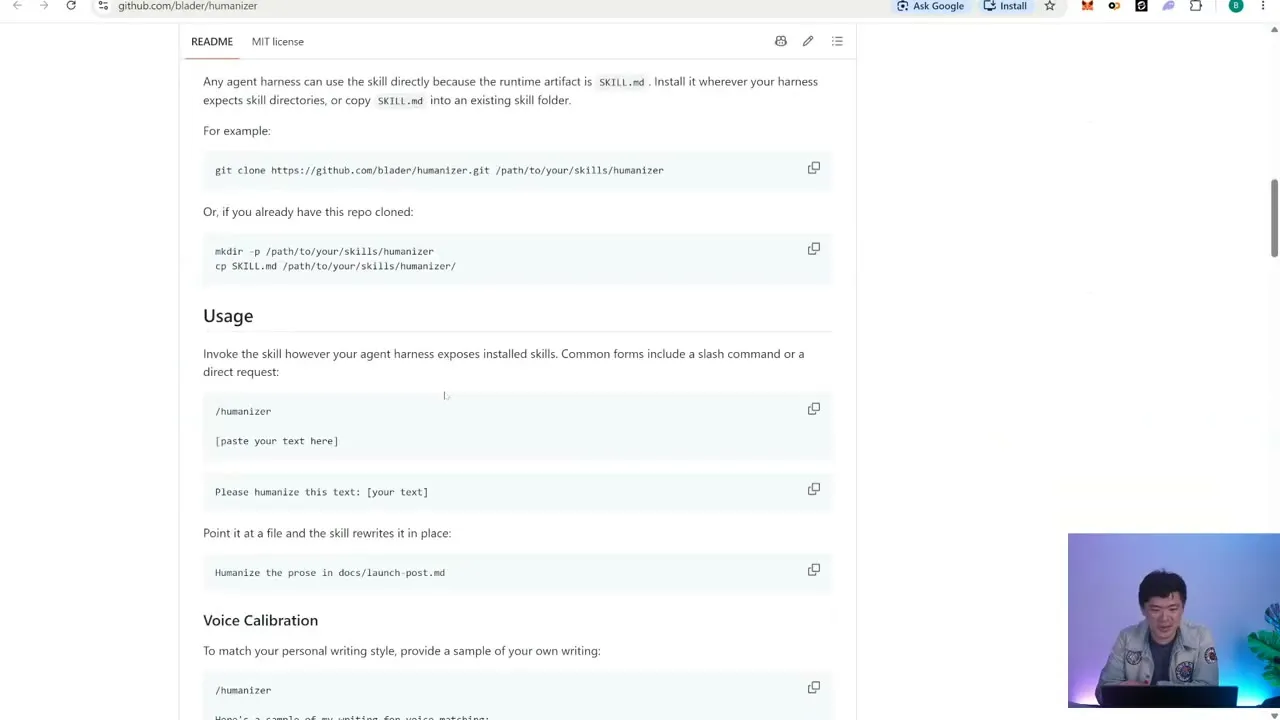
Use an agent that supports local skills and confirm that Humanizer is available in its skill list. Keep an untouched copy of the draft. If the text contains research, open the cited sources before editing so you can catch any change in meaning.
The safe workflow
1. Give the agent the complete draft
Do not paste isolated paragraphs if their claims depend on surrounding context. Tell the agent which material must remain unchanged.
Edit this draft with the Humanizer skill.

Preserve every fact, number, date, link, quotation, code block, and source attribution.
Do not add new claims. Keep the current structure unless a heading is redundant.
Return the revised draft and a short list of any factual ambiguity you found.
2. Review meaning before style
Compare the two versions line by line where the stakes are high. Check names, dates, quantities, qualifications, and words such as “may,” “reported,” or “confirmed.” A smoother sentence is worse if it turns a qualified statement into a certainty.
3. Add a real voice sample
Humanizer can remove generic habits, but the result may still sound neutral. Supply a short passage you actually wrote and ask the agent to match its sentence length, directness, and level of formality. Do not ask it to invent personal anecdotes or opinions.
Use the sample below only as a voice reference. Do not copy its facts or phrases.
Keep this draft direct, conversational, and specific. Avoid sales language.

[PASTE 200 TO 500 WORDS YOU WROTE]
What to check before publishing
- The opening answers the reader’s question without a warm-up paragraph.
- Every factual claim still has the same scope and source.
- Paragraphs do not repeat the heading or the previous paragraph.
- Lists exist because the items are useful, not because three items sound complete.
- The draft does not claim that ordinary features are “transformative” or “important” without evidence.
- Quotations, links, code, and frontmatter remain intact.
- The final voice sounds like the named author, not a generic assistant.
Troubleshooting
| Problem | Fix |
|---|---|
| The revision drops a fact or link | Restore it from the original and rerun with an explicit preservation list. |
| The prose is shorter but still generic | Add a real writing sample and name the traits to match. |
| Every paragraph has the same rhythm | Ask for sentence-length variation, then review the draft manually. |
| The agent adds new opinions | Remove them and state that no new claims or interpretations are allowed. |
| The result sounds less precise | Keep the original wording where precision matters more than smoothness. |
When not to use it
Do not use Humanizer to disguise plagiarism, evade authorship rules, or make unsupported claims sound natural. For research, legal, medical, or financial material, validate the evidence first and treat the style pass as the final edit.
Source video
- Watch the Humanizer walkthrough
- Installation and skill overview at 02:45
- Editing workflow at 03:59
- Voice and personality step at 07:49
Official documentation
- Wikipedia: Signs of AI writing, the pattern catalogue used as the skill’s editing reference.
- Wikipedia’s policy on AI-generated content, useful context for why fluent prose still needs source and authorship review.