OpenAI Gave AI Its Own Computer. Can You Finally Log Off? (Dots)

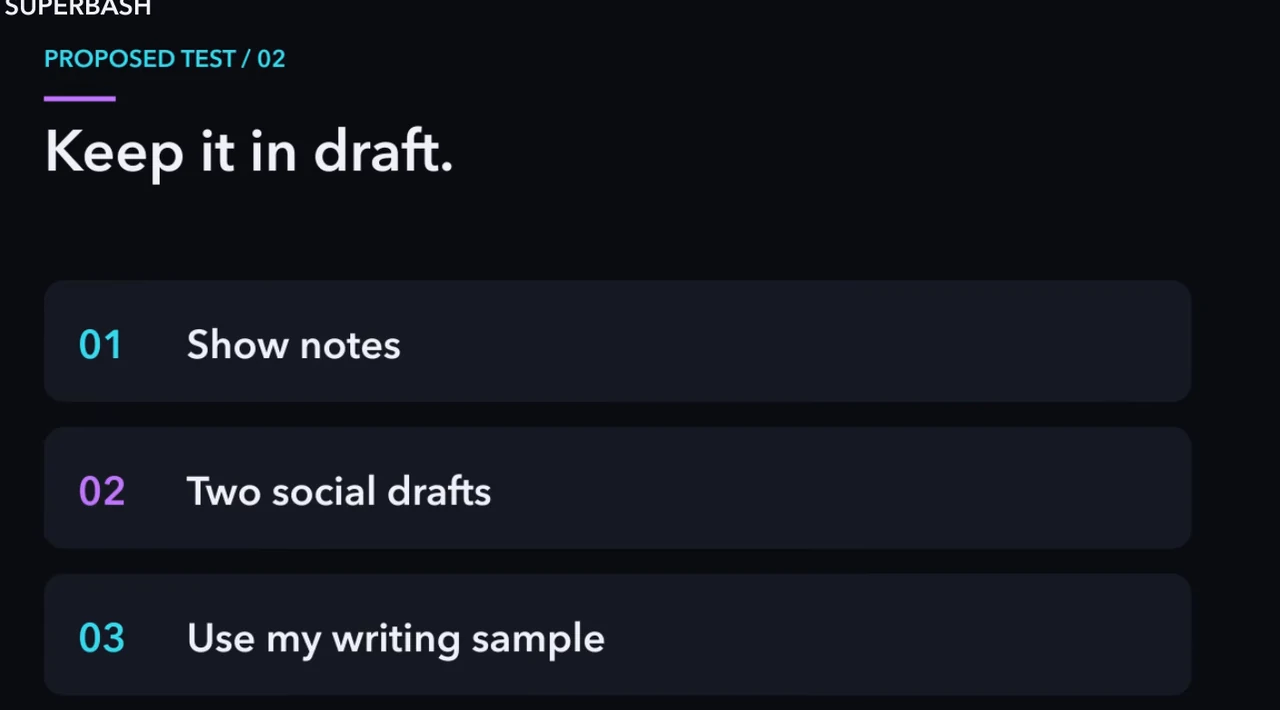
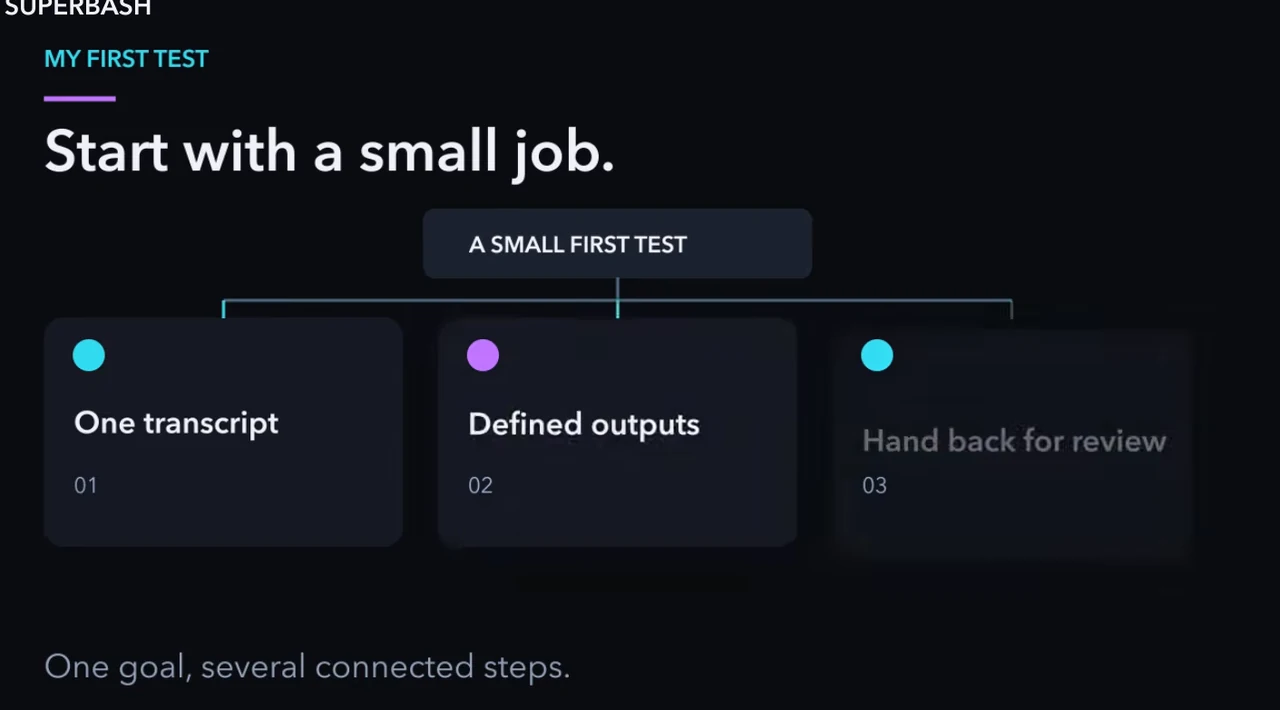
Give your first Dot a task whose result you can inspect in one sitting: turn a timestamped video transcript into three clip candidates, show notes and two social drafts. Keep the package unpublished, change one part of the brief during the task, then check whether the correction reaches every output.
This evaluation adapts Superbash’s proposed creator test. It is not a report of a successful Dots run. Ron did not have access when he recorded the source, and the episode contains no completed hands-on test. The instructions below combine that test design with current official setup guidance checked on October 28, 2026.
The aim is to find out how much editorial work you can hand over. A folder full of drafts can still leave you with an hour of checking and rewriting. Count that work when deciding whether the workflow helps.
Before you start: prepare a small, reviewable assignment
You need a video you can refer back to, its full timestamped transcript and a short writing sample that reflects the voice you want. Use a recording whose content you understand well enough to notice when an excerpt changes its meaning. Automatic captions may contain incorrect names or missing words; correct those against the recording before treating them as evidence.
Define the audience and where the drafts might eventually appear. For a first run, one upload and a few associated outputs are enough. You do not need to connect every account or authorize publication to evaluate clip selection and writing.
Prepare a simple review sheet with space for each output, its source references, any correction required and your review time. Leave the results blank until you inspect the work. This makes it harder to confuse an organized presentation with an accurate one.
Your acceptance criteria can be concrete:
- Each clip has an exact start and end, with enough surrounding context to preserve the speaker’s meaning.
- The show notes cover the selected recording without adding unsupported claims.
- Both social drafts match the requested audience and use the writing sample appropriately.
- A later change to the brief appears everywhere it applies.
- The Dot returns the package for review without posting it.
These are suggested checks for the proposed workflow. They are not results that Superbash has already measured.
Create a Dot if your account has access
Dots are ongoing agents with their own cloud computer and browser, plus apps you choose to connect. OpenAI’s announcement describes them as powered by GPT-6 Astra and able to keep working between conversations. That provides a place for work to continue; it does not establish how reliably any particular publishing task will finish.
Check access in your own account before planning around the feature. The current getting-started guide describes gradual rollout, plan and regional eligibility, and administrator requirements for supported organizational workspaces. An eligible plan alone does not guarantee that a particular account already has the feature.
The source described setup starting on desktop. Current instructions also support creating a Dot in the latest iOS or Android app, the desktop app or a desktop browser. Follow the creation flow available in your account and use its conversation to provide the task and materials. The desktop-only statement belongs to the earlier recording.
A first Dot is included with eligible Pro or Business Premium access, while deeper work has an allowance. Check the current allowance before assigning a large job. An agent that can remain available is not an unlimited supply of computation.
Understand which computer and accounts it can use
The cloud computer is separate from your personal computer. It does not inherit the signed-in state of the browser on your desk. If a task needs an authenticated website, normal sign-in on the Dot’s cloud computer may be necessary.
OpenAI’s computers and apps guide describes opening the cloud computer from the Dot’s profile under Computers. Use Take over for an action that requires your direct participation, then Return control when finished. Do not put passwords into an ordinary task prompt to avoid a sign-in step.
Access to your own computer is optional and starts off. You can leave it off for a transcript-and-drafts evaluation. Connecting an app, allowing local computer access and choosing a messaging channel are separate choices; providing one does not imply the others.
For this first assignment, attach the transcript and writing sample directly if that meets your needs. Only add account access when it serves a defined part of the job. A test of writing quality does not require permission to publish to a social account.
Assign the transcript package with exact references
Ask for three clip candidates. For each candidate, require the exact section, why it can work as a standalone clip and what the viewer would learn. Then request show notes and two social drafts using your writing sample.
An adapted brief could read:
Use the attached timestamped transcript and writing sample to prepare a review package for this recording. Choose three clip candidates. Give the exact start and end of each, include the relevant transcript passage, explain why it makes sense on its own, and state what a viewer would learn. Draft show notes and two social posts for the stated audience. Keep everything unpublished. Flag claims or names that need checking against the recording. Return the package with source references for my review.
This is a suggested evaluation prompt, not a transcript of a completed Dots interaction. Supply the actual audience and source files before using it. If the transcript lacks reliable timestamps, resolve that limitation rather than accepting invented clip boundaries.
Exact references let you evaluate the editorial choice. Read the lines immediately before and after each proposed excerpt, then watch the corresponding section. A sentence that sounds decisive in isolation may be followed by a limitation or a correction. If the clip needs that sentence to remain accurate, extend it or choose another passage.
Check whether the candidate teaches anything without the rest of the episode. A clip that names an unfamiliar tool, points to an unseen example and ends before the explanation may have an exciting opening but little independent value. The answer can be a different excerpt rather than a more dramatic caption.
The show notes and social drafts should use the same interpretation of the source. If a test was proposed but never run, every output should preserve that distinction. The writing sample can guide rhythm and vocabulary; it cannot supply evidence for claims absent from the recording.
Change the audience while the package is being prepared
Change the brief while the task is underway. After the initial assignment is underway, change the audience to someone who has never used an AI coding tool. Ask the Dot to explain jargon and remove any wording that makes the result sound better than the footage supports.
Use a specific correction such as:
Make this package suitable for someone who has never used an AI coding tool. Explain unfamiliar terms where they are needed. Remove claims that overstate what the recording demonstrates. Apply this change to all three clip explanations, the show notes and both social drafts, then return the revised package for review.
This tests whether the Dot carries a decision through related work. Check all outputs, including the ones that looked acceptable in the first pass. A revised social post does not fix show notes that still assume an expert audience.
For example, if a draft uses “harness” without explanation, identify where the audience needs that concept. A short explanation can clarify that it is the software around a model that manages tools and the work session. If the chosen excerpt depends on a longer explanation that the recording does not contain, a different clip may suit the beginner audience better.
Do not reward cosmetic compliance. Adding “for beginners” to a title leaves the underlying problem unchanged if the rest of the package still relies on unexplained terminology. The correction should affect the actual selection and wording.
Check gaps before accepting confident prose
Mark every claim that describes a result, feature or comparison. Find the supporting source passage and decide whether the draft states it at the same strength. An operator’s preference should remain a preference; a plan for a future test should remain a plan.
If the transcript cannot support a statement, ask for the gap to be marked for review. The Dot should not silently manufacture a result to make the paragraph feel complete. You can then supply another source, remove the claim or leave a clear limitation in the draft.
The source proposes this check because a fluent document can hide unfinished editorial work. Evaluate its references before polishing its wording. Otherwise you may spend time improving a sentence that should be deleted.
Also inspect the questions you receive during the task. A question about an unresolved audience or an unclear source can prevent substantial rework. A repeated request for information already in the brief adds supervision without resolving a new problem. Record both kinds so the final assessment reflects how the job actually felt to manage.
Keep the handoff and permission rules explicit
OpenAI distinguishes proactive research from actions taken afterward. Its controls documentation says proactive research uses read-only tools on permitted connected sources. That research cannot directly message people, change app content or control a browser or desktop. Follow-up actions remain subject to the relevant instructions and checks.
This distinction applies to the research task; it is not a claim that a Dot can never operate a browser. For your creator evaluation, state that the deliverables remain drafts and that the task ends at your review handoff.
Custom rules set ongoing boundaries for actions. Auto-review evaluates relevant actions against instructions and safety requirements; mandatory safeguards still apply. Neither feature is a reason to assume that finding a useful opportunity authorizes publishing it.
Use the Dot’s Activity view to inspect work in progress and the resulting files. If you need to stop related work, check its tasks and schedules as well: pausing the main conversation does not automatically stop every delegated or scheduled task. That matters when you expand beyond a single assignment.
Measure the time required to reach an acceptable package
Use the same review sheet you prepared before the task. For each deliverable, record whether you can use it, what you changed and how long the inspection took. Count time spent answering questions and repairing references as part of the workflow.
A practical record might have these columns:
| Output | Source check | Correction applied | Editing needed | Review time |
|---|---|---|---|---|
| Clip candidate 1 | Start, end and adjacent context | Beginner explanation checked | Record your changes | Record elapsed review |
| Remaining clip candidates | Repeat for each candidate | Check each explanation | Record your changes | Record elapsed review |
| Show notes | Claims traced to recording | Audience consistent throughout | Record your changes | Record elapsed review |
| Two social drafts | Claims and clip context checked | Both drafts updated | Record each draft separately | Record elapsed review |
These cells describe what to record; they are not example scores. Keep the original and revised drafts so you can see whether the correction improved the work or merely changed its appearance.
After review, compare the total effort with your usual way of preparing the same package. Include your active time and the elapsed time until the material was ready. Fast generation followed by lengthy repair may be a poor fit even if the output looked polished when it arrived.
A later test can examine continuity across recordings. Give the next task a similar editorial constraint and see whether the reason for an earlier rejection is applied appropriately. Do not assume that rejecting one clip proves the system will handle a different recording correctly.
Troubleshoot an evaluation that creates more work
If Dots is missing from your account, check the current rollout and workspace requirements. Do not interpret absence as a failed workflow test. You have not reached the stage where output quality can be measured.
If the Dot cannot open a connected source, inspect the relevant connection or sign-in requirement. Its cloud browser has its own session. Keep the missing material visible in the task and provide the file directly when that is suitable.
If corrections reach only one deliverable, ask for a review of the entire package against the revised brief. Inspect the result yourself; a message saying everything was updated is not evidence that the old assumptions disappeared.
If clip choices lose context, require the adjacent lines and review the footage. A longer excerpt or a different section may solve the problem more honestly than an explanatory caption added afterward.
If repeated questions consume the time you hoped to save, identify what each question resolved. Improve an ambiguous brief where necessary, but retain the intervention count when assessing the tool. Removing useful questions by encouraging guesses can make the drafts harder to trust.
Keep the first evaluation focused on one finished package. Expand the assignment when its source references, revisions and handoff are reliable enough for your work, and continue checking the output at the point where you would otherwise publish it.
For background on the distinction between an agent and its model, see the Hermes Agent introduction.