Hermes Agent · Tutorial 19
See and Fix a Crowded Hermes Context with /context
Inspect what is filling Hermes' working context, preview a safe compression boundary, and preserve the newest important exchanges.
0 of 1 complete
Reference guide · Read when needed · View the route
Last tested and updated: August 25, 2026, with Hermes Agent v0.20.5. Run /version first.
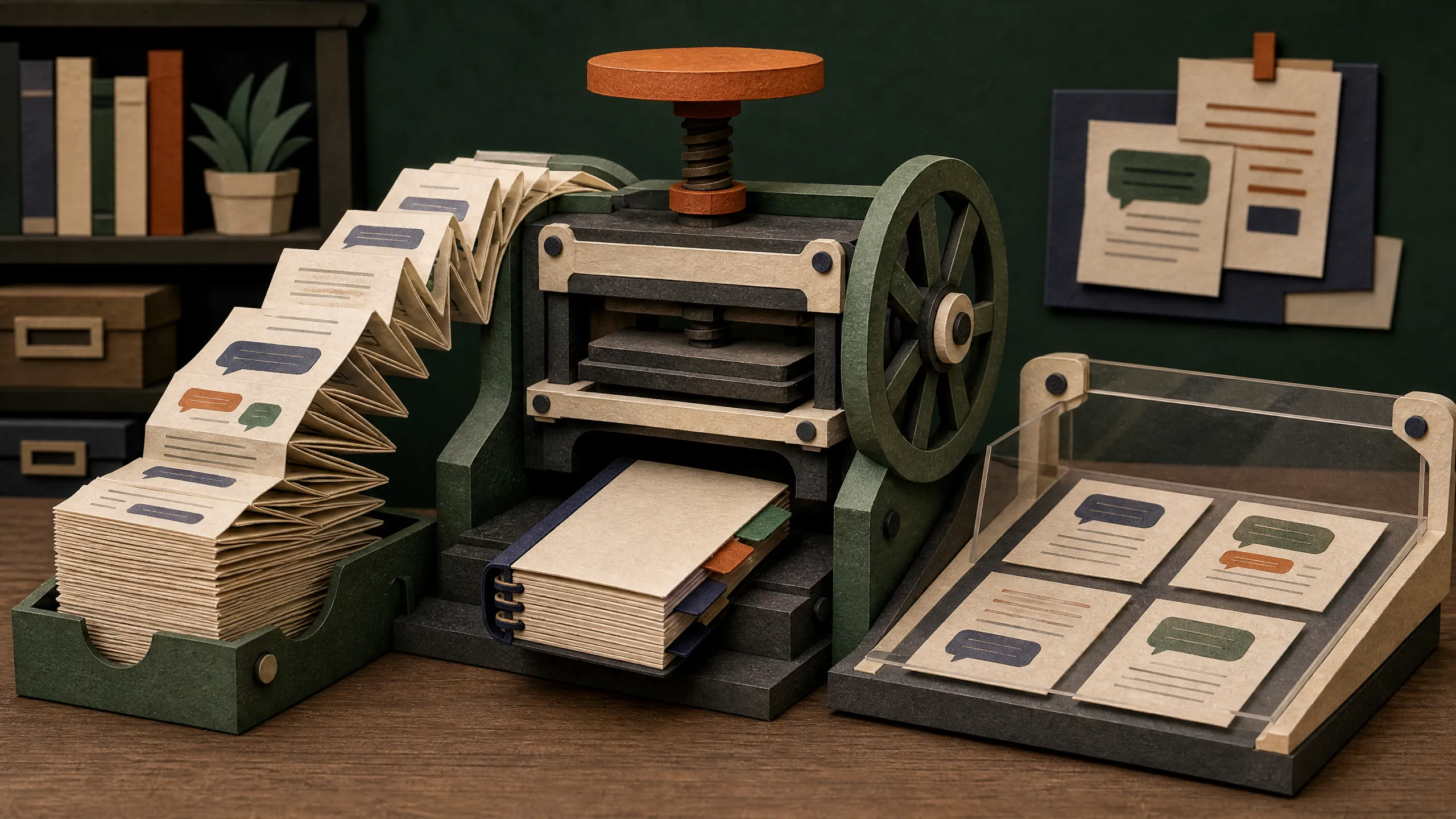
Every conversation has a working desk: the system prompt, tools, rules, skills, memory, and your messages all compete for space. /context shows what is filling that desk. /compress turns older conversation into a shorter handoff summary so future work has more room.
Inspect first
/context
/context all
/context is calculated locally and makes no LLM call. The CLI/TUI view uses a block grid; messaging surfaces use a text gauge. The detailed view estimates space used by the system prompt, tools, rules, skills, MCP, subagents, memory, conversation, and free headroom.
The numbers are estimates. They also depend on Hermes knowing your model’s real context window. If a local or custom endpoint reports an implausible value, set model.context_length explicitly using the official context-length troubleshooting guide.
Preview before compressing
After a long research chat, try:
/compress here 4 --previewThis reports the boundary, approximate token count, and messages affected without changing the session. If it looks right:
/compress here 4
/context
Older material becomes a summary while the newest four user exchanges stay verbatim. The default for here is two; the accepted keep count is between 1 and 100.
Use a focus when a particular decision must survive:
/compress focus preserve the agreed budget, source rules, rejected options, and remaining questionsYou can also use /compress --preview, /compress --dry-run, /compress --keep 4, or the /compact alias. /compress --aggressive is not supported in v0.20.5.
What compression costs
/compress calls a summarizer model, so it costs tokens and breaks the existing prompt-cache prefix. It can still save repeated input on later turns. Think of it as paying once for a shorter briefing, not as a free cleanup command.
With the current default in-place setting, the pre-compression turns are soft-archived under the same session and remain searchable or recoverable while leaving active context. Manual compression still works if automatic compression is disabled.
The official compression configuration documents these boundaries. An open desktop issue reports routing trouble in one build; verify your exact Desktop version and use the CLI/gateway path if affected.
Why users care
In March 2026, Sudo su reported Hermes showing a two-million-token window for a local model he believed was 128K. This predates v0.20.5 and does not prove the current release is broken. It is a useful example of why configured model metadata matters more than a reassuring-looking gauge.
A safe four-step habit
- Run
/context allbefore a long next phase. - Save critical exact facts in a file or artifact.
- Run
/compress here 4 --previewand inspect the boundary. - Compress, then ask Hermes to restate the preserved requirements before continuing.
Frequently asked questions
Does /context itself use model tokens?
No LLM call is made.
Are the category numbers exact?
No. They are useful estimates and depend on a correct configured context window.
Does /compress delete my conversation?
No. It changes active model context; it is not a privacy-delete command.
Can compression forget details?
Yes. Use a focus, keep recent exchanges verbatim, and save exact facts separately.
Why preview first?
It shows what will change without mutating the session.
Why compress manually if Hermes can do it automatically?
Manual compression lets you create headroom before a demanding phase and choose what remains word-for-word.
Does compression immediately save money?
It first incurs a summarization call, then may reduce repeated input on future turns.