Grok Bot · Tutorial 14
Grok Bot vs Hermes Agent vs OpenClaw
Choose between a managed Grok Bot workspace and the self-hosted Hermes Agent or OpenClaw using current official documentation.
0 of 1 complete
Reference guide · Read when needed · View the route
Last tested and updated: September 1, 2026
Grok Bot, Hermes Agent, and OpenClaw can all run agent workflows, but they ask you to own different parts of the system.
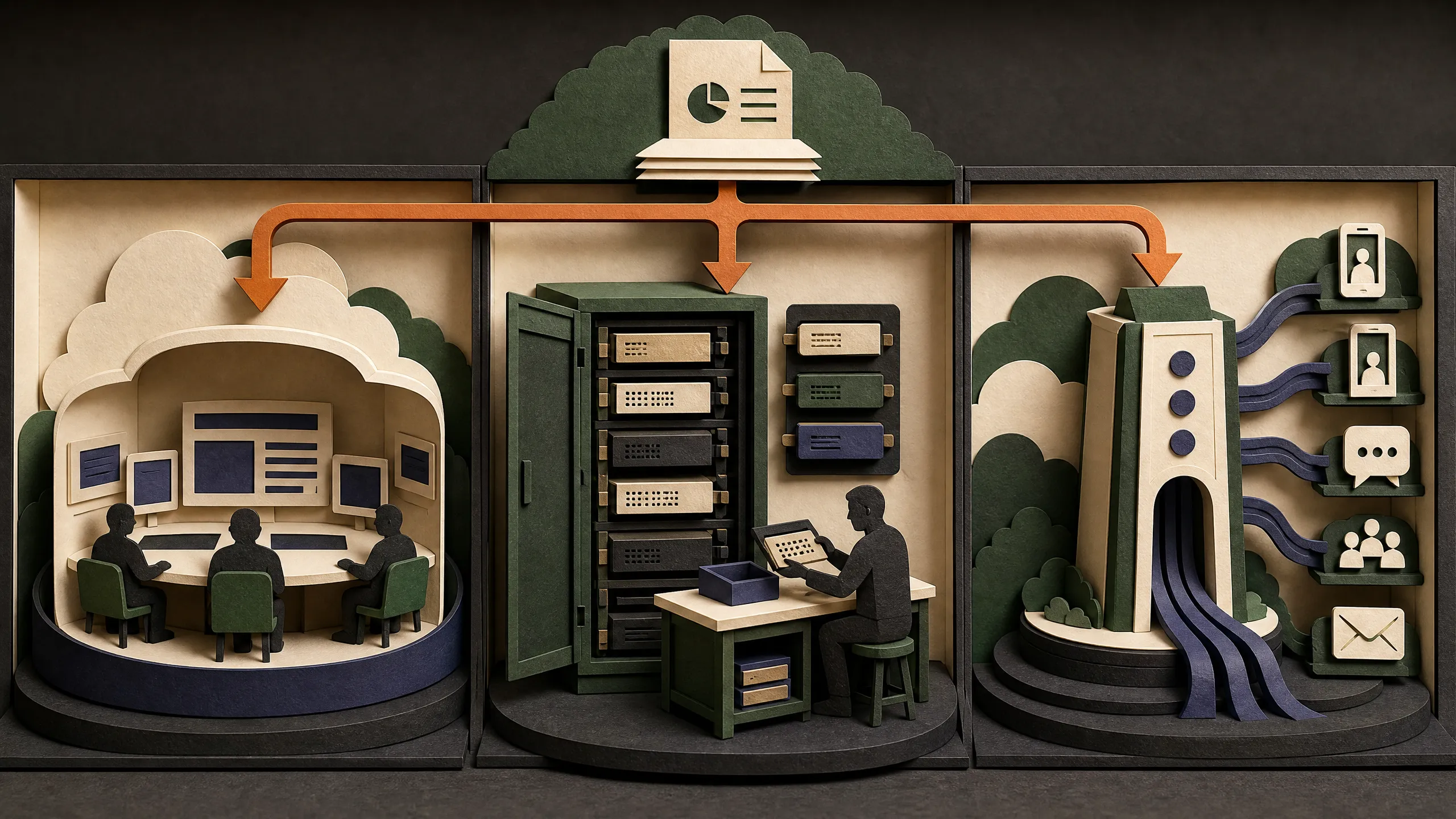
Grok Bot gives you a managed cloud computer and named Bots through desktop and iPhone apps. Hermes Agent is an MIT-licensed agent you install on your own machine, server, or supported hosted backend. OpenClaw is an MIT-licensed, self-hosted gateway that connects an agent runtime to chat channels, a browser control UI, and mobile nodes.
This lesson does not declare one universal winner. It helps you choose who should operate the infrastructure, how much configuration you want, and which access pattern fits the job.
The short answer
- Choose Grok Bot when you want a managed cloud workspace, a graphical app, visible Bot handoffs, and iPhone monitoring without building the host yourself.
- Choose Hermes Agent when you want an open-source agent with broad model choice, persistent memory and skills, and the freedom to run it on your machine, VPS, or supported sandbox backend.
- Choose OpenClaw when your main requirement is a self-hosted gateway across many chat channels, with detailed routing, nodes, sessions, and operator-controlled configuration.
Those are editorial recommendations based on the documented architectures below. They are not benchmark results.
What the source video says
At 09:56, Alex Finn recommends Grok Bot for people who want a managed, immediate experience. He presents Hermes and OpenClaw as better fits for technical users who value open-source control and customization.
That is the presenter’s opinion. Official sources support the underlying architecture split: Grok Bot documentation describes a managed shared cloud computer, while Hermes and OpenClaw publish MIT-licensed code and self-hosting instructions. The sources do not establish that one product is more reliable or better for a fixed percentage of users.
Compare the documented architecture
| Question | Grok Bot | Hermes Agent | OpenClaw |
|---|---|---|---|
| Who operates the main environment? | The service provides one persistent cloud computer per user account. | You choose the host: local machine, VPS, or a supported terminal backend. | You run the Gateway on your machine or server. |
| License | Proprietary managed product surface. | MIT licensed. | MIT licensed. |
| First interface | Desktop app on macOS or Windows, plus iPhone companion app. | Desktop installer or command-line install, then CLI, desktop, web dashboard, or messaging gateway. | Command-line install and onboarding, then Control UI or connected chat channels. |
| Model choice | The documentation mentions a default model when selection is available, but does not document arbitrary provider choice for every account. | Official docs support Nous Portal, OpenRouter, OpenAI, and other compatible endpoints. | Official docs require an API key from a chosen provider and document provider configuration. |
| Multi-agent shape | Named Bots share one computer, have their own screens, and can message or hand work to each other. | One agent can spawn isolated subagents for parallel work. | Multi-agent routing supports separate agents, workspaces, and sessions. |
| Automation | Skills, scheduled routines, and supported event triggers. | Skills, cron scheduling, hooks, and gateway delivery. | Skills, cron, webhooks, plugins, and gateway routing. |
| Phone access | Native iPhone app. No Android or iPad support at initial launch. | Messaging gateway supports many chat services; official docs also list an Android Termux install path. | Chat channels plus iOS and Android nodes. A node is not the same thing as a full managed cloud computer. |
| Security responsibility | Service and Cursor account controls cover the managed layer. You still own approvals, connectors, shared sessions, and task boundaries. | You configure approval modes, user authorization, file rules, and optional container or remote isolation. | You configure gateway authentication, channel allowlists, sandboxing, and host execution approvals. |
Grok Bot: managed work with a shared computer
Grok Bot’s official overview says Bots use a persistent cloud computer with browser, filesystem, and terminal access. The same Bots sync across desktop and iPhone. Skills can capture a workflow, while routines run it on a schedule or supported event.
The convenience comes with an unusual boundary: all of your Bots share files, browser sessions, logins, and command-line credentials. Each Bot has its own screen for parallel work, but not its own security sandbox.
Grok Bot currently requires an eligible plan and Cursor authentication. The official FAQ lists SuperGrok Heavy, Cursor Ultra, and Cursor Teams Premium as eligible plans, with access and billing dependent on the account and rollout. Check the current access page before budgeting because this lesson does not freeze a price.
Best fit: someone who prefers a managed app and wants to supervise computer work without maintaining a server.
Watch-outs: shared login state across Bots, limited mobile editing, account-dependent rollout, and less documented infrastructure control than a self-hosted project.
Hermes Agent: open source with host and model choice
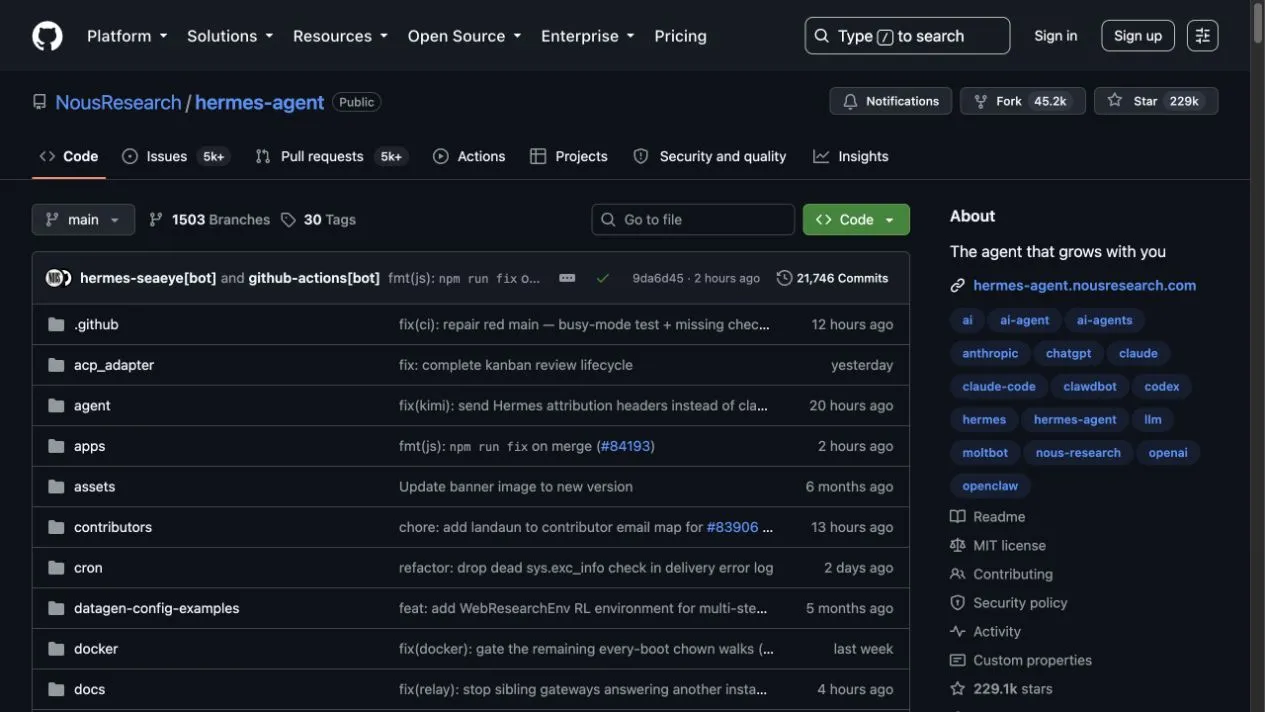
Source: Nous Research’s official Hermes Agent repository, captured August 12, 2026.
The Hermes Agent documentation describes an agent that can run locally, on a VPS, or through supported terminal backends. It supports the Nous Portal, OpenRouter, OpenAI, and compatible endpoints. The official repository is MIT licensed.
Hermes can be installed with a desktop installer or a command-line script. It exposes a CLI and messaging gateway, and its docs cover persistent memory, skills, cron jobs, MCP servers, voice, and subagents.
Security is configurable rather than outsourced. The official security guide documents command approval modes, hard deny rules, gateway user authorization, optional file-write roots, website blocks, and container or remote execution. It also states that approval heuristics are not a sandbox against a hostile process. Strong isolation still requires an isolated backend or environment.
Best fit: a user willing to operate a host in exchange for model choice, portable configuration, and inspectable source code.
Watch-outs: installation is only the start. You own updates, host security, credentials, backups, provider bills, and the failure modes of any connected gateway.
OpenClaw: a self-hosted gateway across channels
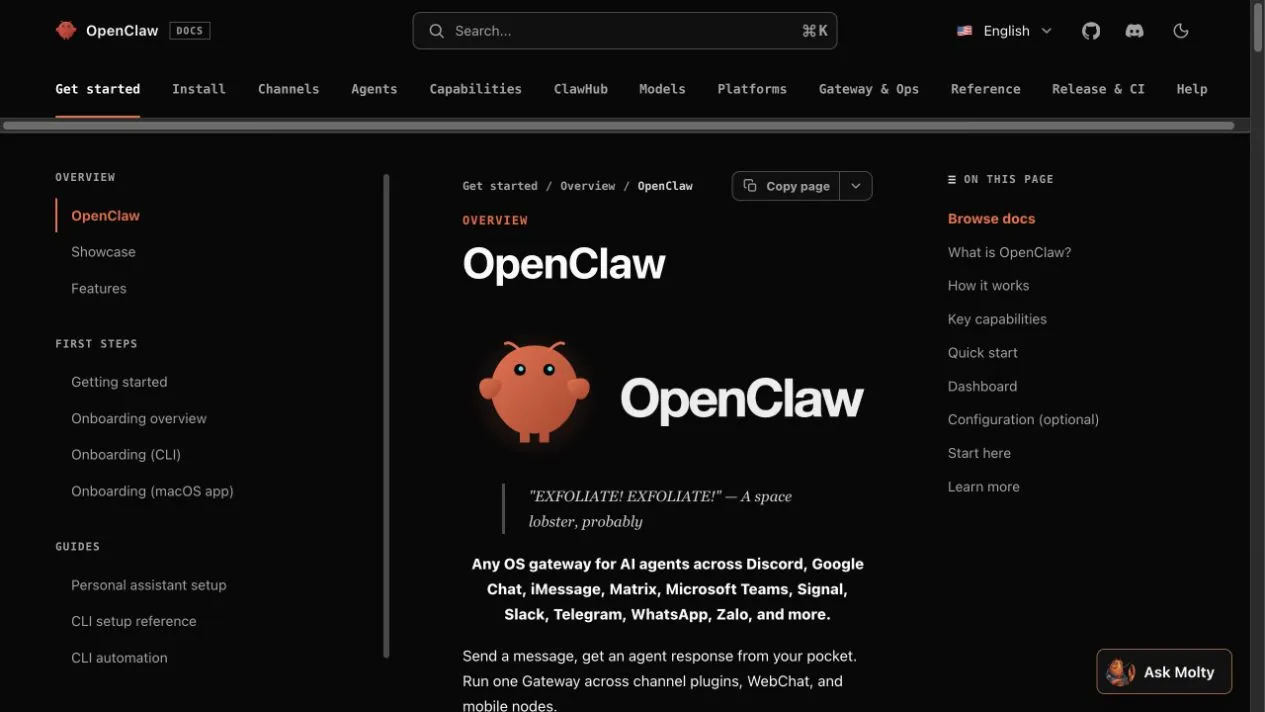
Source: official OpenClaw documentation, captured August 12, 2026.
OpenClaw describes itself as a self-hosted gateway for AI agents across Discord, Google Chat, iMessage, Matrix, Microsoft Teams, Signal, Slack, Telegram, WhatsApp, Zalo, and more. Its Gateway is the source of truth for sessions, routing, and channel connections. The project is community-driven and MIT licensed.
The documented quick start installs the package with npm, runs guided onboarding, and opens the local Control UI. You provide a supported Node.js runtime and a model-provider API key.
OpenClaw’s execution approval guide makes a useful distinction: approvals reduce accidental execution risk, but they are not a per-user authorization boundary or a read-only filesystem policy. The effective policy combines tool settings, allowlists, and optional user approval. Operators still need sandboxing and restricted host permissions.
For existing installations, OpenClaw 2026.8.1 has two breaking cleanup jobs—bundled OpenProse//prose removal and legacy Codex routes moving to openai/*. Use the source-checked 2026.8.1 upgrade guide before updating; its live Gateway and rollback gates are clearly marked unmeasured rather than presented as benchmark results.
Best fit: a technical operator whose main problem is connecting one agent system to many communication channels and routing contexts cleanly.
Watch-outs: the Gateway is infrastructure. You own the runtime, configuration, network exposure, providers, plugins, nodes, and operational security.
Setup effort without made-up timing
It is tempting to claim that one product takes five minutes and another takes half an hour. Official quick starts cannot tell us how long your account, operating system, provider, and security review will take.
What the sources do establish:
- Grok Bot creates the cloud computer for an eligible account and uses app-based onboarding.
- Hermes offers desktop installers and command-line installation, followed by provider and tool setup.
- OpenClaw requires a Node.js environment, package installation, onboarding, provider credentials, and a running Gateway.
The fair beginner conclusion is that Grok Bot manages more of the base environment. Hermes and OpenClaw expose more of it to you. That can mean more work, but it also gives you more direct control.
Choose by workload
Pick Grok Bot for a supervised business workflow
Example: a research Bot gathers sources, a writer Bot drafts, and a reviewer checks the result while you handle approvals from iPhone.
Why it fits: visible Bot collaboration and a managed computer are built into the documented product.
Pick Hermes for a portable personal agent
Example: one agent runs on a VPS, uses a selected model provider, remembers working preferences, schedules reports, and talks through Telegram or Discord.
Why it fits: the official project emphasizes host choice, model choice, memory, skills, cron, and messaging.
Pick OpenClaw for channel routing and operator control
Example: one self-hosted Gateway connects several chat channels, isolates agent workspaces and sessions, and routes users to configured agents.
Why it fits: channels, nodes, sessions, routing, and the Gateway are the center of the documented architecture.
Run a fair three-task trial
Do not compare a polished Grok Bot demo with an unconfigured open-source install. Give each working system the same tasks:
- Research: summarize five public pages with direct links.
- File work: turn a supplied transcript into a structured outline without publishing.
- Recurring preparation: schedule a weekly read-only briefing and inspect its first run.
Record these measures:
| Measure | Grok Bot | Hermes | OpenClaw |
|---|---|---|---|
| Time to first successful task | |||
| Successful tasks out of three | |||
| Human interventions | |||
| Unsupported claims in outputs | |||
| Setup and maintenance time | |||
| Model or subscription cost | |||
| Can you revoke every connection? |
Use test accounts and public data. The test should not include purchases, production changes, private customer records, or automatic publishing.
Migration and coexistence
You do not need to force every workflow into one tool. A managed Grok Bot workflow can prepare drafts while a separately secured self-hosted system handles a different internal job.
If moving from OpenClaw to Hermes, the current Hermes repository documents a migration command that can import selected settings, memories, skills, messaging configuration, and allowlisted secrets. Run its dry-run mode first. There is no documented one-click migration from Grok Bot to either open-source project, so plan to export source files and rewrite workflows with new credentials.
Decision exercise
Write down one job and answer these questions:
- Must the environment be managed for me, or can I operate a server?
- Must I choose the model provider?
- Is a native iPhone monitoring app required?
- Are chat-channel routing and mobile nodes central to the job?
- Does the work require separate security boundaries between agents?
- Who will patch, monitor, back up, and revoke the system?
Then choose one tool for a three-task trial. A valid answer names the operating model and the workload instead of relying on brand preference.
Primary sources
Grok Bot
- Official overview
- Official mobile guide
- Official skills and routines guide
- Official security and privacy guide
Hermes Agent
OpenClaw
- Official OpenClaw documentation
- Official execution approvals guide
- Official multi-agent routing guide
This completes the Grok Bot course. Recheck the date on each official source before using it for a purchase, security decision, or public comparison.