Decodo Web Scraping · Tutorial 11
Connect Decodo to n8n, LangChain, and live help docs
Choose a no-code workflow, a TypeScript agent tool, or the separate no-auth documentation MCP server without confusing them with the scraping MCP server.
0 of 11 complete
Decodo offers three useful AI integration paths beyond direct MCP scraping:
- n8n node: visual workflows and scheduled automation.
- LangChain TypeScript package: code-controlled agents using LangChain tools.
- Help Docs MCP server: current Decodo documentation inside an AI client; it does not scrape arbitrary websites.
Route A: build a visual n8n workflow
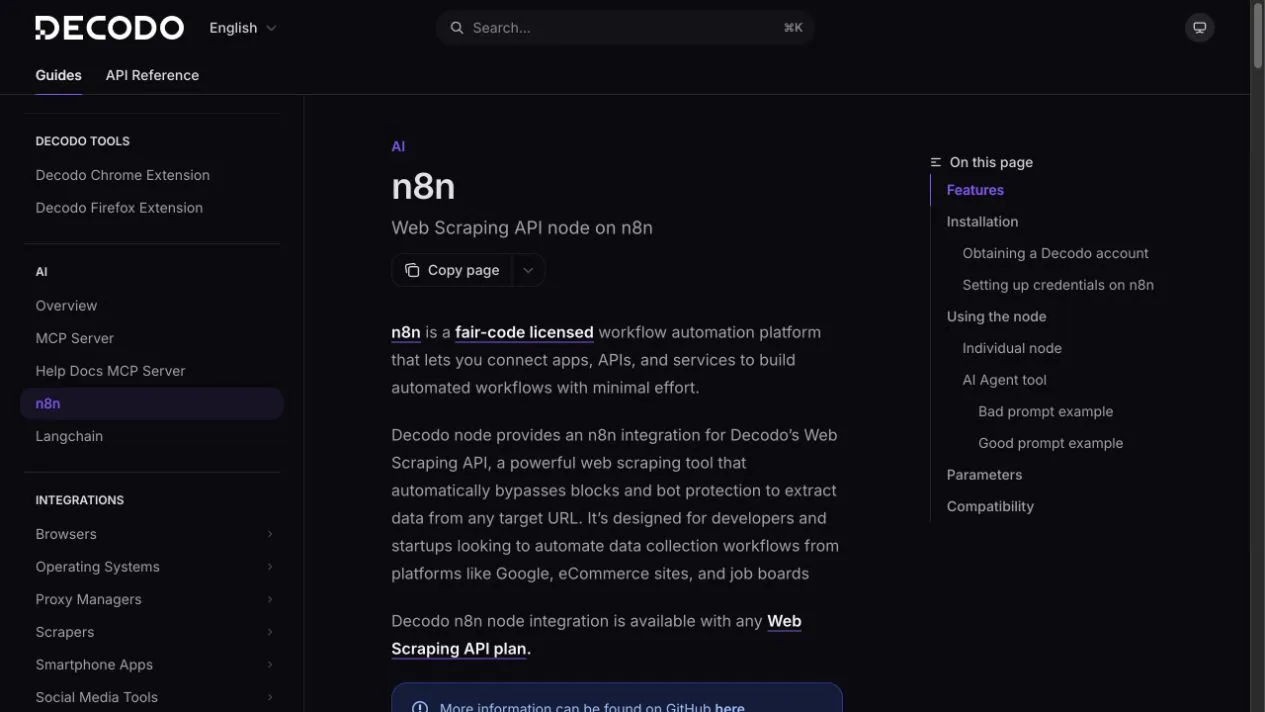
Decodo documents an official n8n node that can run alone or connect to an AI Agent node as a tool.
Setup
- Open n8n’s nodes panel.
- Search for Decodo.
- Choose Add to workflow.
- Create a Decodo Credentials API credential.
- Paste the Web Scraping API authentication token into the credential field.
- Test a public URL before connecting downstream nodes.
Small first workflow
Manual trigger
  -> Decodo: scrape one public URL as Markdown
  -> Code/Set node: keep title, source URL, observed time, and five findings
  -> Human review destination
For AI Agent mode, write a specific prompt:
Use the Decodo tool to scrape [PUBLIC URL].
Return the page title, source URL, observed time, and five named fields.
If a field is absent, return null. Do not use another web tool.
Do not schedule the workflow until manual output passes validation.
Route B: use Decodo inside LangChain
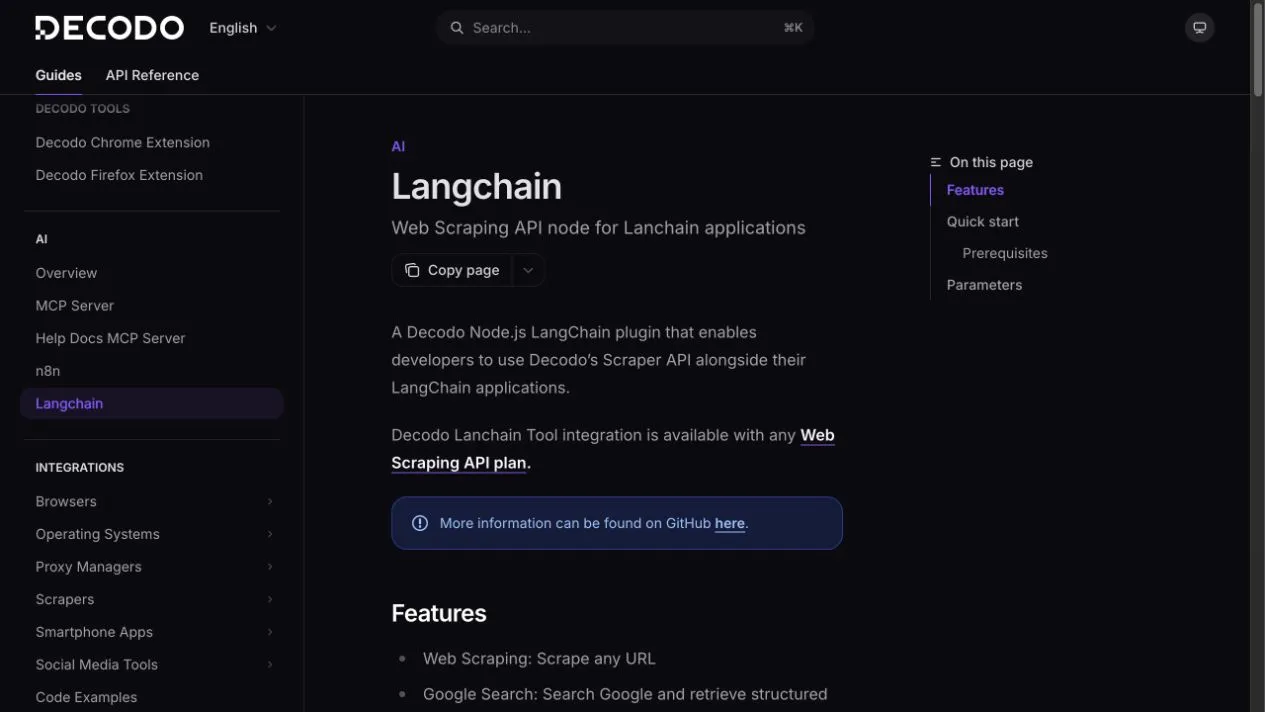
Decodo’s current Node.js package is @decodo/langchain-ts and requires Node.js 20 or newer.
npm install @decodo/langchain-tsStore credentials in environment variables:
SCRAPER_API_USERNAME=your_username
SCRAPER_API_PASSWORD=your_password
Minimal tool creation:
import { DecodoUniversalTool } from '@decodo/langchain-ts';

const decodo = new DecodoUniversalTool({
  username: process.env.SCRAPER_API_USERNAME!,
  password: process.env.SCRAPER_API_PASSWORD!,
});
Add decodo to a LangChain agent’s tool list. Keep the credential outside prompts, logs, and source control.
Start with one tool. Add Google, Amazon, or Reddit tools only when the agent has an explicit routing rule and output schema.
Route C: give your agent live Decodo documentation
Decodo runs a separate no-auth documentation MCP endpoint:
https://help.decodo.com/mcpGeneric client configuration:
{
  "mcpServers": {
    "decodo-docs": {
      "url": "https://help.decodo.com/mcp"
    }
  }
}
This server can search and read Decodo help pages. It cannot scrape arbitrary websites. Keep both connectors clearly named:
decodo-scraper— authenticated scraping tools.decodo-docs— unauthenticated product documentation.
Test prompt:
Use decodo-docs to find the current parameters for google_search.
Return the documentation page URL and a minimal example.
Do not call a scraping tool.
Each help page is also available as Markdown by appending .md. Decodo publishes llms.txt for the documentation index and llms-full.txt for full documentation content.
Final integration checklist
- Correct credential type for selected integration.
- Secrets stored outside prompts and source control.
- One harmless public-target smoke test.
- Tool name visible in execution logs.
- Fixed output schema and acceptance rules.
- Retry and request limits.
- Human review before publishing or taking action.
- Documentation MCP kept separate from scraping MCP.