Release guide · August 31, 2026
Gemini Omni 1.1 Flash is a video generator, not a long-video analyst
Google's Gemini Omni 1.1 Flash generates and edits short video. Here are the exact API ID, prices, limits, and why a long-video tool benchmark does not apply.
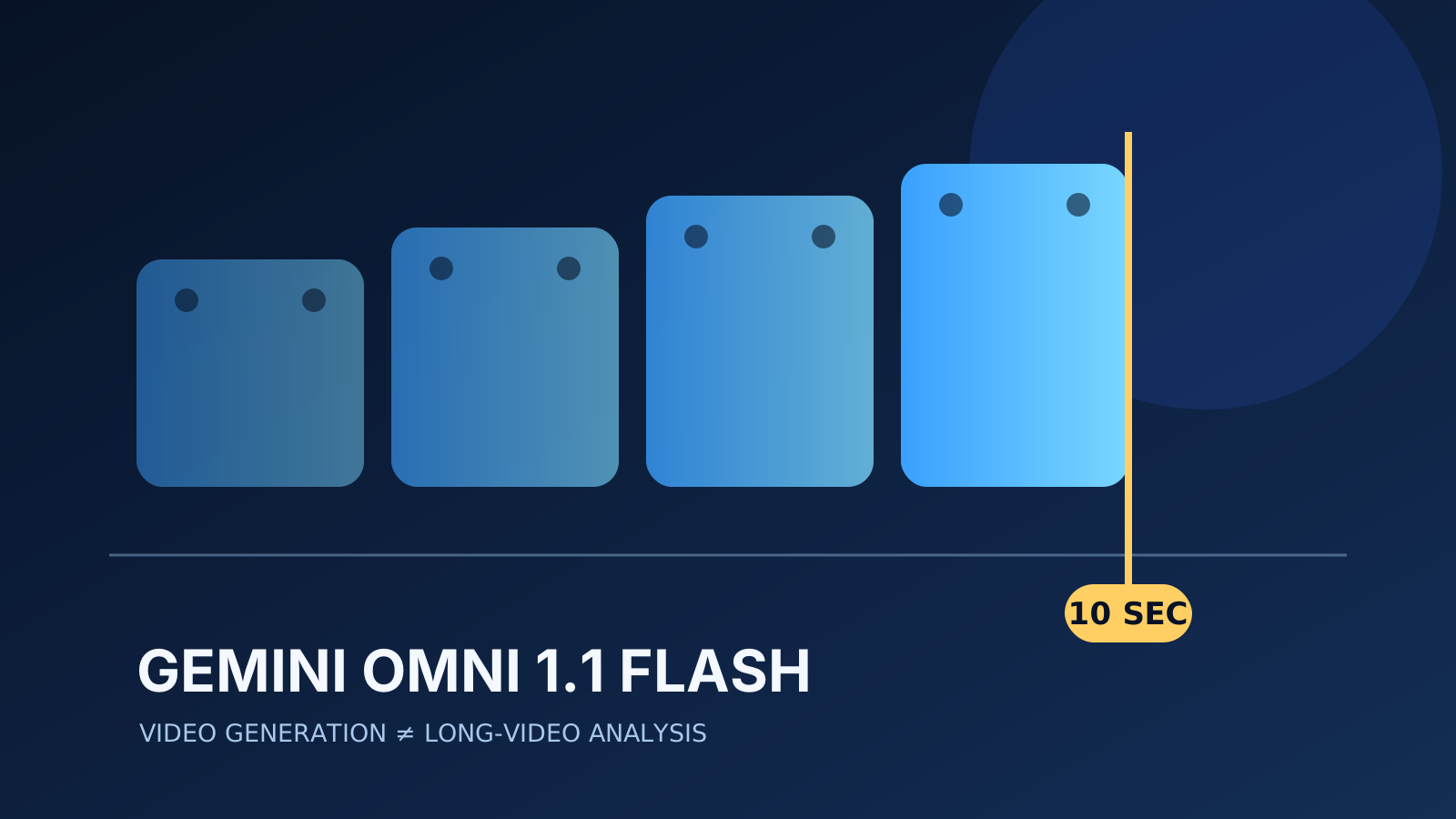
Gemini Omni 1.1 Flash is a paid, generally available video-generation and editing model with useful creative controls and unusually clear per-resolution pricing. It is not the 1M-context long-video analysis and tool-chaining model implied by early launch summaries: Google limits source video to 10 seconds, documents video-only output on the Gemini API, and does not support function calling on the Enterprise route.
Google released Gemini Omni 1.1 Flash on August 27, 2026 as a model for conversational video generation and editing. The stable Gemini API identifier is exactly gemini-omni-1.1-flash. Google lists it on the paid tier and exposes it through the Interactions API in Google AI Studio.
That sounds straightforward. The confusing part is the name. “Gemini,” “Omni,” and a 1,048,576-token context window can make the product look like a general multimodal reasoning model for ingesting long recordings, writing subtitles, and calling tools. Google’s own capability tables describe a much narrower product.
The verified route and price
The Gemini API model page lists the stable model code as gemini-omni-1.1-flash. It accepts text, images, and up to ten seconds of video for editing or extension, and returns video. Output can run from three to ten seconds at 24 FPS in 360p, 720p, 1080p, or 4K.
The official Gemini API pricing page, checked August 31, 2026, lists no free tier. Standard paid pricing is:
| Meter | Price |
|---|---|
| Text, image, video, or audio input | $1.50 per 1M tokens |
| Text output, including thinking | $9.00 per 1M tokens |
| Video output | $17.50 per 1M tokens |
| 360p video | $0.03 per generated second |
| 720p video | $0.10 per generated second |
| 1080p video | $0.15 per generated second |
| 4K video | $0.30 per generated second |
Google says 720p video consumes 5,792 output tokens per second, making the token rate approximately $0.10 per generated second. A ten-second accepted 720p shot therefore has a list-price video-output component of about $1 before input tokens and failed attempts. The per-resolution rates come from Google’s launch pricing table; the token rates and 720p conversion are also present as text on the pricing page.
Two official routes use different identifiers
Google’s developer surfaces do not use one universal string. The stable Gemini API route uses gemini-omni-1.1-flash. The Gemini Enterprise Agent Platform model page lists gemini-omni-1.1-flash-preview and labels that route Preview.
Preserve those spellings literally. Do not add -preview to a Gemini API request because an Enterprise page uses it, and do not remove -preview from an Enterprise deployment. The Enterprise page lists the global region, fixed quota, a 131,072-token input limit, and a 57,920-token output limit. Those route-specific figures should not overwrite the Gemini API’s documented 1,048,576-token context window.
What Omni 1.1 actually adds
Google’s launch post presents five practical additions:
- extend scenes in ten-second increments to a cumulative 40 seconds;
- use up to ten seconds of prior context during extension;
- interpolate between specified first and last frames;
- generate 360p drafts before rendering higher-resolution output;
- upscale output to 1080p or 4K and use short reference videos.
Google claims 360p drafts can be up to 60% faster than 720p and cost one third as much. That is a vendor throughput claim, not an independent latency result. The same distinction applies to Google’s descriptions of improved consistency, control, and production readiness.
Why the proposed long-video benchmark was stopped
We designed a fixed test around three roughly 30-minute English, Spanish, and Hindi videos. Each run would ask the model to extract subtitles and make a function call that writes a structured chapter map. The gate was intentionally checked before sourcing or uploading media.
The route failed that preflight on three independent constraints:
- Input duration: Google documents at most ten seconds of source video for editing and extension, not a 30-minute recording.
- Output type: the Gemini API model page documents video output rather than subtitle text output.
- Tools: the Enterprise capability table explicitly marks function calling as unsupported.
The 1,048,576-token context figure does not override those modality-specific limits. Uploading public-domain videos anyway would create spend without testing the stated hypothesis. Replacing them with ten-second clips would silently change the task. Using a different Gemini model would test another route. No benchmark call was made, and there is no measured WER, latency improvement, or cost-per-accepted-result to report.
The complete preflight, proposed prompt, tool schema, and acceptance gate are preserved under benchmarks/gemini-omni-1-1-flash/. The benchmark remains explicitly not run. It can only be activated if Google documents a route that accepts the full fixtures, returns subtitle text, and supports the required function call.
Data use and deployment caveats
The model is paid-only in the Gemini API pricing table. Google’s Gemini API terms say paid-service prompts and responses are not used to improve its products, though safety and operational logging still applies. Region eligibility remains governed by Google’s available-regions list. The Enterprise route documents the global region and supports both Standard PayGo and fixed quota; its pricing is separate from Gemini API list pricing.
Google makes Gemini API limits account- and tier-specific: the active RPM, TPM, and RPD values must be read in AI Studio for the billing project that will run the evaluation. This task had no approved credential or spend authorization, so no account-specific rate-limit value is claimed.
For production evaluation, keep private footage out of exploratory accounts, record which route and billing project handled each request, and treat generated clips as unaccepted until a human checks continuity, prompt adherence, audio, safety, and unwanted artifacts.
The buying decision
Gemini Omni 1.1 Flash is worth testing for short-form video generation, editing, interpolation, and iterative scene extension. The 360p draft tier gives teams a sensible way to reject weak concepts before paying for larger output.
It should not be selected for multilingual long-video transcription or tool-chained chapter extraction. Those are reasonable Gemini-family workloads, but they are not supported by this model’s documented interface. The honest verdict is an interface mismatch, not a failed quality score.
Sources
- Google AI for Developers: Gemini Omni Flash model page
- Google AI for Developers: Gemini Omni generation and editing guide
- Google AI for Developers: Gemini API pricing
- Google: Build with Gemini Omni 1.1 Flash
- Google Cloud: Gemini Omni 1.1 Flash Preview
- Google DeepMind launch post on X
- Gemini API Additional Terms of Service
Put this to work
Separate a model's context-window number from its modality-specific input and output limits.
Try
Prototype one 360p shot before paying for 720p, 1080p, or 4K output.
Prove it worked
Record the exact route, resolution, generated seconds, retries, accepted output, and billed tokens for every test.
Where it can pay
For production video workflows, compare cost per accepted shot after review rather than cost per raw generation.
Keep in view
- Use the literal Gemini API model ID `gemini-omni-1.1-flash`; the Enterprise Agent Platform documents a different preview ID.
- Budget by generated video duration and resolution, not by assuming ordinary text-model economics.
- Do not benchmark subtitle extraction or tool chaining against this route: the documented interfaces do not support that workload.