Product case study · October 27, 2026
Gemini CLI Checkpointing: Verify a File Restore
Enable Gemini CLI checkpointing in a scratch project, undo one file edit with /restore, and verify the recovered bytes against an independent copy.
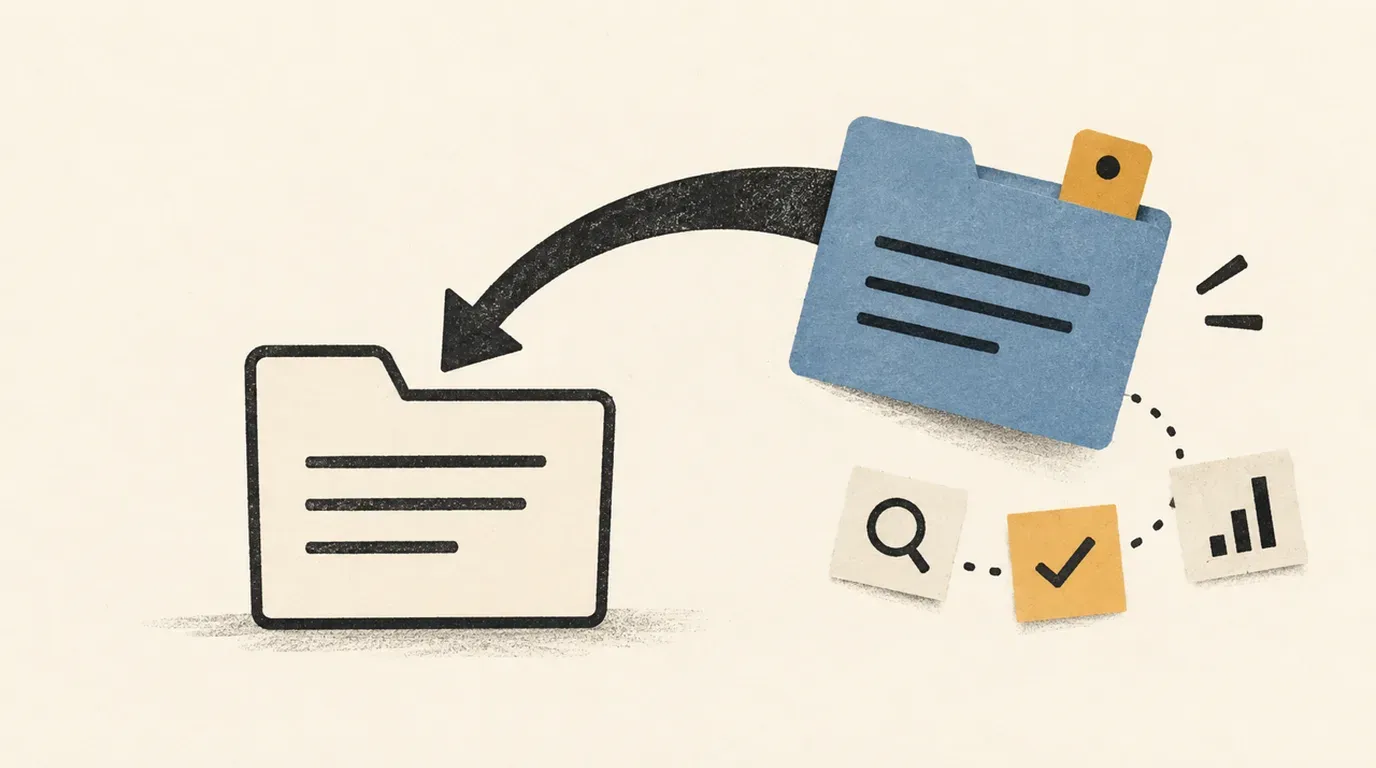
Practice recovery on one disposable file and compare its bytes before relying on checkpointing in a working repository.
A coding agent can make the requested edit correctly and still leave you unsure how to undo it. Test recovery before handing it a larger task: change one line, restore the checkpoint, and compare the file with a copy the agent never edited.
Sources checked October 27, 2026. This is a documentation-backed exercise. We tested the local fixture and comparison commands, including a deliberately changed file that fails comparison. Gemini CLI is not installed in this authoring environment, so we did not run an authenticated edit or /restore. The agent steps below are acceptance criteria, not reported success results.
You need Bash on Linux or macOS, Git with a working local commit identity, and an installed, authenticated Gemini CLI. Use synthetic data. The exercise makes a local Git commit but needs no remote repository.
Choose the recovery operation
The official checkpointing guide describes snapshots created before approved file-edit tools such as replace and write_file. A checkpoint contains project state, conversation history and the pending tool call. Its Git snapshot lives in a separate local shadow repository rather than your project’s commit history.
The command reference lists three related operations:
| Operation | Intended use in this exercise |
|---|---|
/restore | List file checkpoints, then restore the one preceding the edit. |
/resume | Find and continue a saved conversation. Resuming alone is not the file-recovery check. |
/rewind | Select an earlier interaction and choose which state to revert. |
The separate rewind guide says its file rollback covers AI edit tools, excluding manual edits and shell-triggered changes. Keep this first exercise to a built-in file edit. Do not use a shell command to make the agent’s change or treat these controls as a general undo button for external services.
Create a project with an independent original
Run this in a terminal, outside your working repositories. The two sibling folders separate the project from the evidence you will use to inspect it.
lab_root=$(mktemp -d /tmp/gemini-restore-lab.XXXXXX)
mkdir "$lab_root/project" "$lab_root/evidence"
cd "$lab_root/project"
printf 'Lab root: %s\n' "$lab_root"
git init -q
mkdir .gemini
cat > .gemini/settings.json <<'JSON'
{
  "general": {
    "checkpointing": { "enabled": true },
    "defaultApprovalMode": "default"
  }
}
JSON
printf 'Project: Lantern\nReview day: Friday\n' > review.txt
cp review.txt "$lab_root/evidence/review.original.txt"
git add review.txt .gemini/settings.json
git commit -m "Record disposable restore lab baseline"
git rev-parse HEAD > "$lab_root/evidence/baseline-commit.txt"
git status --short
The final status should be empty. If the commit fails, resolve your local Git identity before continuing; do not mistake an uncommitted folder for the recorded baseline. Keep the printed lab-root path so a second terminal can find it.
According to the configuration reference, .gemini/settings.json is the project settings location, checkpointing defaults to disabled, and changing it requires a restart. This snippet creates a new file in an empty lab; merge the relevant keys carefully when adapting it to an existing project. System overrides can take precedence over project settings.
Start a new CLI session from the project folder:
gemini --version > "$lab_root/evidence/cli-version.txt"
gemini
If prompted for folder trust, inspect the exact scratch-project path before trusting it. Retain normal approvals. In /settings, check that checkpointing is enabled; if it is not, resolve effective settings and restart before requesting an edit. Do not use the obsolete --checkpointing flag: the checkpointing guide says it was removed in version 0.11.0.
Request exactly one edit
Submit this prompt inside Gemini CLI:
This is a disposable recovery exercise. Read review.txt and use a built-in
file-edit tool to change only "Review day: Friday" to "Review day: Monday".
Preserve the project line and final newline. Do not run shell commands,
create other files, change settings, or make Git commits. Stop after the edit.
Inspect the proposed tool and diff. Approve only the intended file edit. If the agent proposes a shell command or a broader change, decline it and restate the scope. A prompt is a task boundary, not an access-control mechanism.
While the CLI remains open, use a second terminal. Replace the path below with the lab-root path printed earlier:
lab_root=/tmp/gemini-restore-lab.REPLACE_ME
cd "$lab_root/project"
cat review.txt
git diff -- review.txt
git status --short
Require Project: Lantern and Review day: Monday, with only review.txt modified. Save the actual diff outside the project:
git diff -- review.txt > "$lab_root/evidence/edited.diff"If the result differs, stop and record what happened. The recovery exercise is easiest to interpret when exactly one tool edit separates the original and changed states.
Restore the listed checkpoint once
Return to the open Gemini CLI and enter:
/restoreSelect the checkpoint associated with the review.txt edit, using its actual identifier from the listing. The checkpointing guide calls the argument a checkpoint filename; the command reference calls it a tool-call ID. Use what your installed version lists, and inspect /help if its accepted syntax differs.
The following shows the command shape, not a literal identifier to paste:
/restore <identifier-from-your-list>The checkpointing guide describes restoration of project files and conversation state, followed by the original tool proposal appearing again. Decline or cancel that re-proposed edit so it does not immediately change Friday back to Monday. Avoid any unrelated edits during the exercise: the documented restore scope is the project snapshot, not just the file named in the checkpoint.
Check bytes and repository state
In the second terminal, run these checks from the project directory:
if cmp -s "$lab_root/evidence/review.original.txt" review.txt; then
  printf 'PASS: restored file matches original bytes\n'
else
  printf 'FAIL: restored file differs from original\n'
fi
git diff --exit-code HEAD -- review.txt .gemini/settings.json
git status --short
git rev-parse HEAD > "$lab_root/evidence/after-commit.txt"
if cmp -s "$lab_root/evidence/baseline-commit.txt" \
          "$lab_root/evidence/after-commit.txt"; then
  printf 'PASS: project commit unchanged\n'
else
  printf 'FAIL: project commit changed\n'
fi
Accept the run only if both comparisons pass, the diff command exits zero, and status is empty. Inspect all three: matching review.txt does not prove there were no extra files, and a clean status alone does not prove that the agent left the commit unchanged.
Record the CLI version, checkpoint identifier, tool used and observed checks in the external evidence folder. A restored chat message or the agent’s assurance that it undid the edit is insufficient evidence of file recovery.
When the recovery check fails
| Observation | Next action |
|---|---|
/restore is unavailable | Check effective checkpoint settings, restart, and consult installed help. |
| The list contains no matching checkpoint | Confirm the setting was active before the edit and inspect which tool performed it. Do not invent an identifier. |
| Monday returns after restoration | Check whether the original edit was approved again when re-proposed. |
| Byte comparison fails | Preserve the diff and record a failed recovery; inspect the file before another attempt. |
| Status shows other changes | Review every changed path. Do not use a broad reset to make the evidence look clean. |
If you need the original lab file back after a failed attempt, exit Gemini CLI and copy the external original to review.txt yourself. Label that as manual recovery, never as a successful checkpoint restore.
Keep the evidence folder until you have reviewed the run. Repeat this small exercise after a CLI upgrade before applying the same workflow to important work. For a larger coding task, use the lesson on defining concrete acceptance checks to decide which behavior must be tested in addition to recovery.
Official source notes
All checked October 27, 2026:
- Gemini CLI checkpointing: snapshot contents, enablement, removed flag and restoration behavior.
- Configuration reference: project settings, precedence, checkpoint default and restart requirement.
- CLI commands:
/restore,/resume,/settingsand command syntax. - Rewind: interaction selection and limits on which file changes it can undo.
Put this to work
Distinguish a file checkpoint from a saved conversation and an interaction rewind.
Try
Ask Gemini CLI to change one synthetic review day in a disposable Git project.
Prove it worked
Compare the restored file with its external original and confirm the project commit stayed unchanged.
Keep in view
- Enable checkpointing before the edit and restart the CLI after changing the setting.
- Keep the original file and review notes outside the project being restored.
- A successful recovery needs a byte comparison and a changed-file review.