Product case study · October 28, 2026
Claude Code Path-Scoped Rules: Test an API-Only Convention
Create a Claude Code rule for API files, compare it with a docs-only session, and check the result without confusing instructions with permissions.
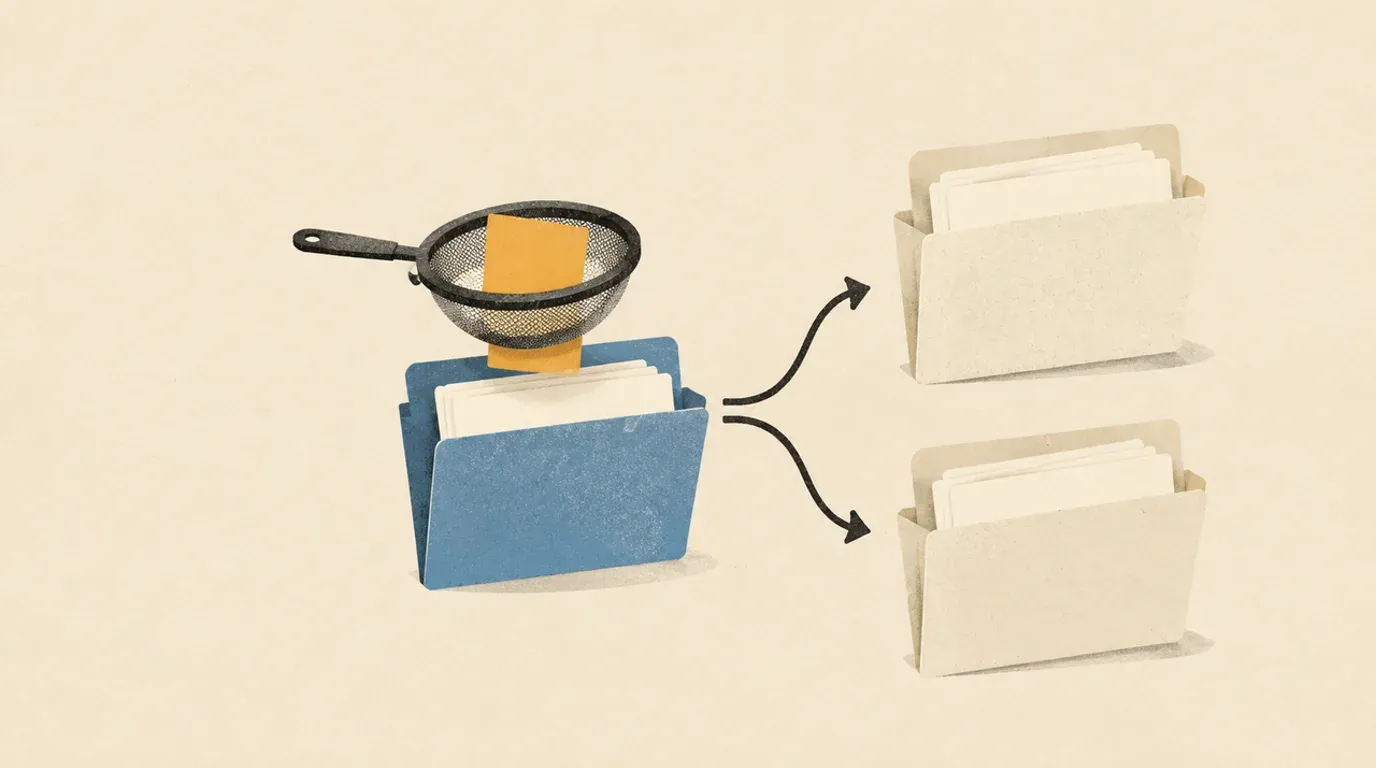
Test a scoped convention with matching and nonmatching files in fresh sessions before adding it to a shared repository.
An API convention can be useful in a route handler and distracting in a documentation task. Claude Code supports rules that target particular file paths. This lab gives one API file a response convention, then uses a docs-only task as a control.
Sources checked October 28, 2026. This is a documentation-backed exercise. We verified the local fixture creation and byte comparisons, including a deliberately changed file. We did not run authenticated Claude Code sessions; the response checks below are acceptance criteria, not reported model results.
You need Bash, Python 3, and an installed, authenticated Claude Code. Use the synthetic files below. No package installation, application server or remote repository is needed for the lab itself.
Put one convention beside two small fixtures
Anthropic documents Markdown rules under .claude/rules/, with a YAML paths filter relative to the project root. A matching file access can load the rule; rules without a filter load unconditionally. See the memory guide.
Create a disposable project outside your existing repositories:
lab_root=$(mktemp -d /tmp/claude-rules-lab.XXXXXX)
mkdir -p "$lab_root/project/.claude/rules" \
  "$lab_root/project/src/api" "$lab_root/project/docs" \
  "$lab_root/evidence"
cd "$lab_root/project"
cat > src/api/status.ts <<'API'
export const status = { service: "Lantern", state: "ready" };
API
cat > docs/overview.md <<'DOCS'
# Lantern
The documentation review happens on Friday.
DOCS
cat > .claude/rules/api-summary.md <<'RULE'
---
paths:
  - "src/api/**/*.ts"
---
# API summary convention

When summarizing an API file:
- Start the answer with the standalone line API-SCOPE-CHECK.
- Include one bullet naming the exported value.
- Include one bullet describing its literal fields.
- Do not infer runtime behavior from a constant declaration.
RULE
cp src/api/status.ts "$lab_root/evidence/status.before.ts"
cp docs/overview.md "$lab_root/evidence/overview.before.md"
cp .claude/rules/api-summary.md "$lab_root/evidence/rule.before.md"
printf 'Lab root: %s\n' "$lab_root"
Our marker is deliberately artificial: it makes the response convention easy to spot. It is not a real API standard. The TypeScript file is an input to read, not an application to run.
Keep the printed path. Check that the rule begins with the three-dash delimiter and that paths is a YAML list. Do not paste the rule into a root CLAUDE.md: that would undermine this exercise’s scoped setup.
Run the docs-only control first
From the project directory, record your installed version and launch a new session:
claude --version > "$lab_root/evidence/cli-version.txt"
claude
Keep your normal permission controls. Submit only this prompt, not the whole article:
Use the Read tool to read only docs/overview.md. Summarize its facts in two
short bullets. Do not search the project, inspect other files, edit files,
run shell commands, delegate, or save memories. Stop after the summary.
The expected content is the project name and Friday review day. The answer should not introduce API terminology or the special API marker. Observe the tool activity too: a session that reads the API file or the rule directly is not a clean control, even if its answer looks ordinary.
Save the answer and a short note about the observed reads outside the project, in the evidence directory. Exit Claude fully. Do not reuse or resume this conversation for the next check.
A correct docs summary alone cannot prove that no extra instructions loaded. This is a behavioral control, not an internal-context trace.
Start a fresh session for the matching file
Launch claude again from the same project directory. Submit:
Use the Read tool to read only src/api/status.ts. Summarize what that file
contains. Do not search the project, inspect other files, edit files,
run shell commands, delegate, or save memories. Stop after the summary.
Do not include the marker or the response-format instructions in this prompt. Otherwise, a correct answer would not help distinguish the saved rule from your latest message.
Review the response against this answer key:
| Check | Required observation |
|---|---|
| Scoped convention | First line is exactly API-SCOPE-CHECK. |
| Export | One bullet identifies the exported value as status. |
| Literal data | One bullet reports service as Lantern and state as ready. |
| Unsupported inference | No claim that a running service passed a health check. |
| Work performed | File reading only; no edits or command execution. |
Save the actual answer, including any failure. Exit the session. A passing answer demonstrates compliance for this tiny case; it does not establish reliability across a codebase. The two fresh sessions reduce carryover from earlier messages and file reads.
Anthropic’s best-practices guide distinguishes model-followed instructions from enforced controls and recommends giving work explicit checks. This exercise follows that distinction: the convention helps shape the answer, while you judge it against an independent answer key.
Check the input bytes yourself
After both sessions have exited, run these commands in the original shell:
cmp "$lab_root/evidence/status.before.ts" "$lab_root/project/src/api/status.ts"
cmp "$lab_root/evidence/overview.before.md" "$lab_root/project/docs/overview.md"
cmp "$lab_root/evidence/rule.before.md" "$lab_root/project/.claude/rules/api-summary.md"
Each comparison should exit zero with no output. A nonzero result means the file changed or could not be compared; inspect the error before accepting the exercise.
List the project files to look for unexpected additions:
python3 - <<'PY'
from pathlib import Path
for path in sorted(Path('.').rglob('*')):
    if path.is_file():
        print(path.as_posix())
PY
Run the listing from the project directory. The three authored files are .claude/rules/api-summary.md, docs/overview.md and src/api/status.ts. Investigate anything else rather than automatically deleting it. These checks cover this fixture, not all writes a process could make elsewhere on your machine.
Diagnose a missing or misplaced convention
If the API answer misses the marker, first inspect the saved path and YAML. Malformed frontmatter can make a rule unconditional. The memory guide documents claude --debug for parsing errors. Use /context to inspect startup instruction files; it is not a complete trace of later conditional loads. Official troubleshooting guidance also points to InstructionsLoaded hooks for deeper tracing.
If the docs control includes API material, repeat it in a genuinely new session and inspect what files were read. Check for a copied marker in other instruction files or previous project memories. Do not “fix” the control by telling Claude to omit the marker: that would hide the behavior you are measuring.
If the marker appears but the answer invents runtime behavior, record a compliance failure. File-scope selection and factual accuracy are separate checks.
Rules are prose guidance. For controls over tool access, use the relevant permission configuration. Anthropic’s settings guide separates shared project settings in .claude/settings.json from user-wide settings and local overrides. This lab requires no changes to those files; inspect existing effective settings if the Read tool is unavailable rather than bypassing restrictions.
Replace the marker with a useful team convention
After you have a clean matching case and a clean control, replace the marker exercise with one actual API requirement your team can review. For example, request that every proposed endpoint change identify its input-validation check. Then test a small patch and inspect whether that check exists and passes.
Keep the rule short and specific to the relevant directory. Preserve your version record and the reviewed answers locally; do not commit full session logs that may contain unrelated instructions. Exit all lab sessions before manually removing only the temporary directory you created.
For a broader coding workflow, use the lesson on writing concrete acceptance checks. The useful deliverable is a convention with observable checks, not a growing pile of instructions whose effects nobody has inspected.
Official source notes
All checked October 28, 2026:
- How Claude remembers your project: rule paths, conditional loading, frontmatter and diagnostics.
- Best practices for Claude Code: scoped conventions, verification and the distinction between instructions and enforcement.
- Settings files and precedence: project, user and local configuration boundaries.
Put this to work
Distinguish a rule's file scope from compliance and access control.
Try
Create one API rule and ask Claude to summarize two tiny fixtures in separate sessions.
Prove it worked
Check the API response for the scoped convention and the docs control for unwanted spillover.
Keep in view
- Use a paths filter to associate one rule with the API directory.
- Compare fresh docs-only and API-only sessions using synthetic files.
- Review the answer and unchanged inputs separately from the agent's claims.